Using the “Conference Manager” software
80
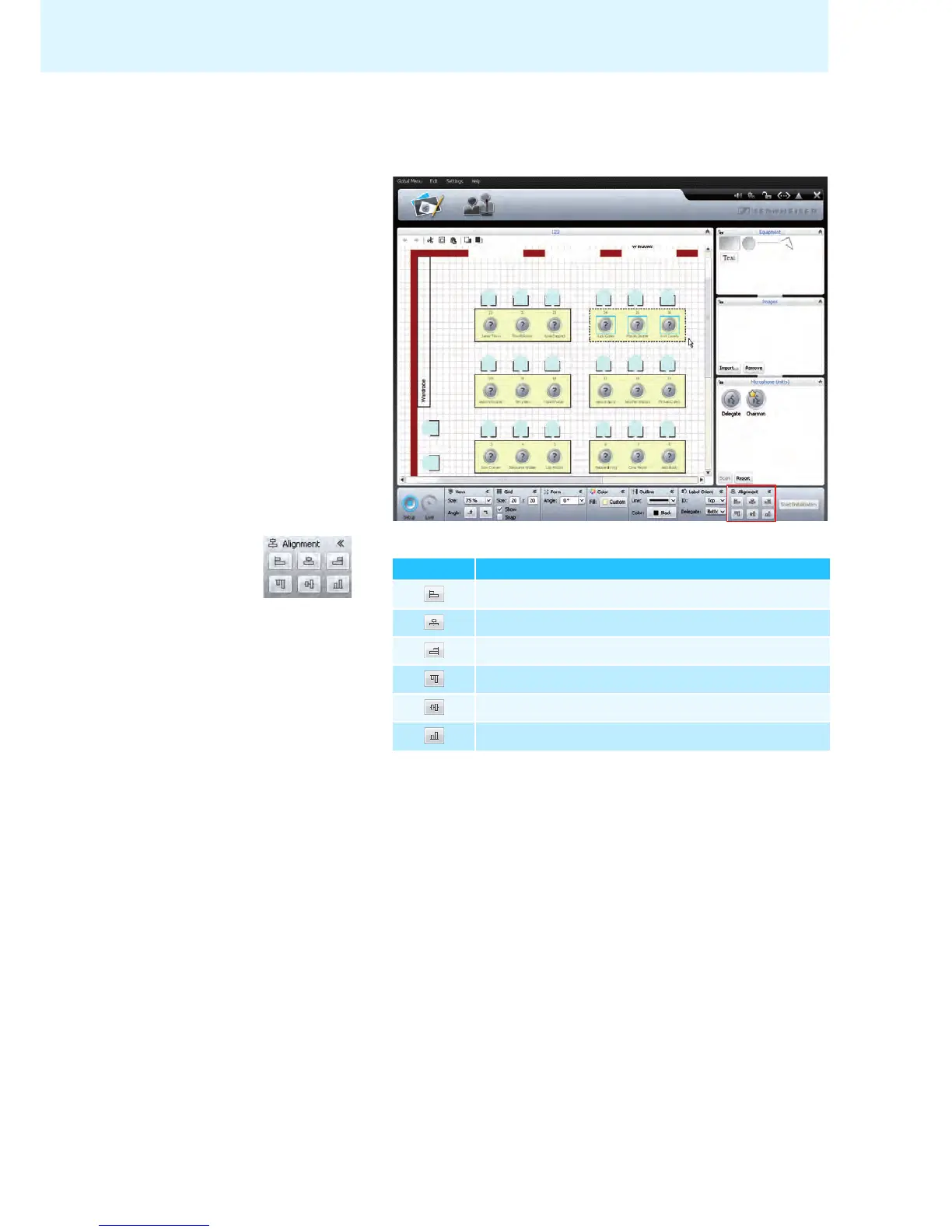
Automatically aligning objects 왘 Hold down the “CTRL” key and select several objects on the canvas using the
mouse.
The objects appear with a bounding box (dotted line). The “Alignment” box
appears.
왘 In the “Alignment” box, click one of the following buttons:
The objects are aligned.
Button Objects are aligned to the ...
left edge
horizontal center
right edge
top edge
vertical center
bottom edge



 To Next Page