5
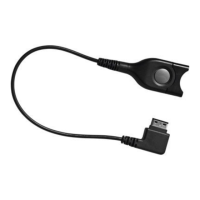
Directly connecting the adapter cable to the telephone
Some telephones feature an additional socket to which
you can connect a second handset or a headset.
Connect the Western plug of the adapter cable to this
socket until it locks into place. An audible “click” should
be heard.
Connecting the headset to a Universal Interface
For connecting the headset to a Universal Interface, please
refer to the operating instructions of the Universal Interface.
The “Easy disconnect” facility
The headset is connected to the adapter cable via an
“Easy Disconnect” facility. During a converation, you can
leave your telephone while holding the call by simply
disconnecting the headset from the “Easy Disconnect”
facility. This allows you to move around freely without
having to put off the headset. As soon as you re-connect
the two halves of the “Easy Disconnect” facility, you can
continue your call.
B To connect the headset to the “Easy Disconnect”
facility, plug in one half of the “Easy Disconnect”
facility into the other half until it locks into place. An
audible “click” should be heard.
C To disconnect the headset from the “Easy
Disconnect” facility, press one of the two release
buttons . The two halves of the “Easy Disconnect”
facility automatically disconnect.
CC_510.book Seite 5 Donnerstag, 10. April 2003 3:02 15



 To Next Page