Using the earbuds
18 | Conversation Clear Plus
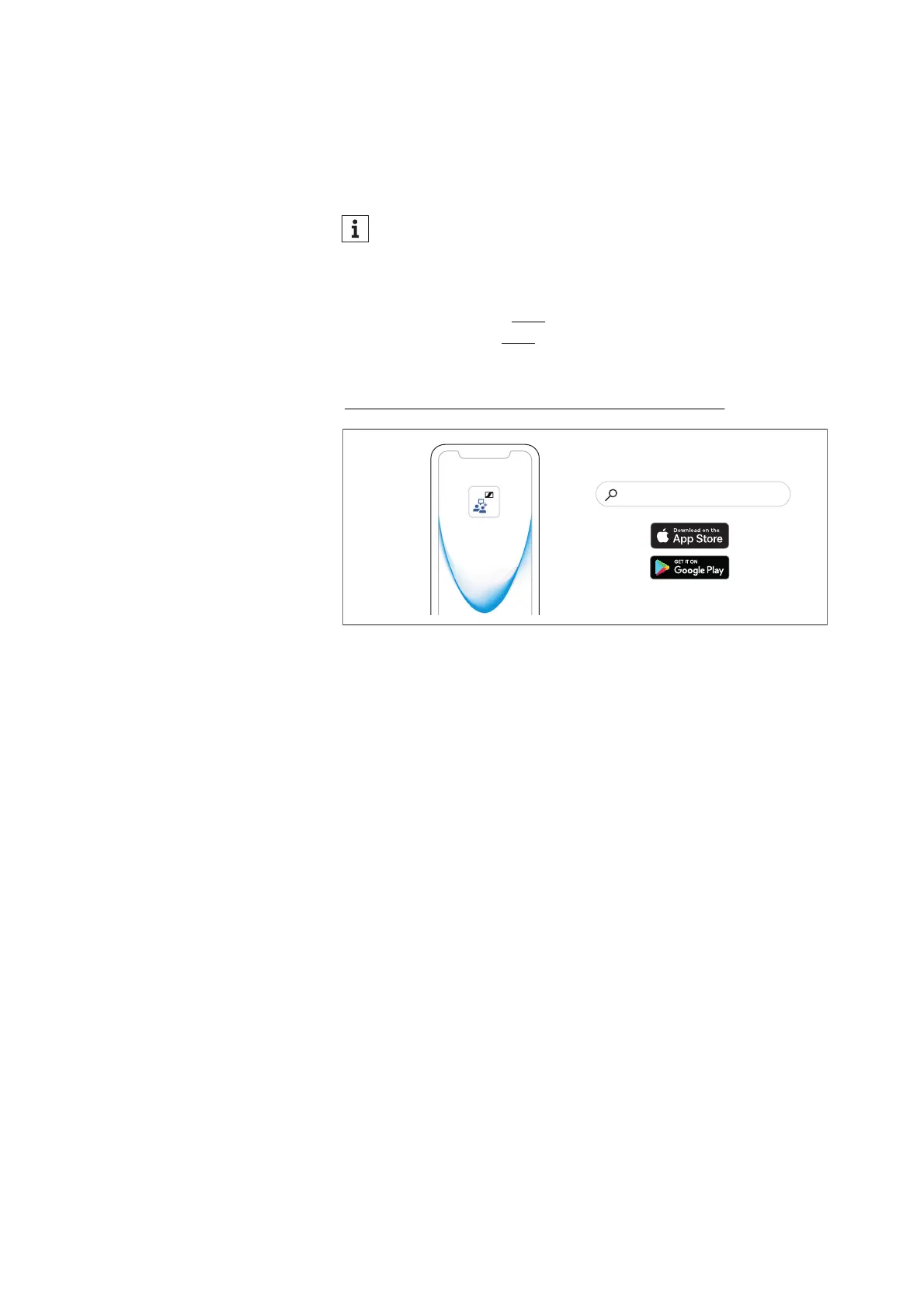
Installing the Conversation Clear app
To be able to adjust the settings of the earbuds to your individual
needs and to fully use all functions of the earbuds, you require the
free Sennheiser Conversation Clear app on your smartphone.
Download the app from the Apple App Store or Google Play and
install it on your smartphone.
– Google Play Store: click
– Apple App Store: click
Alternatively, you can visit the following website with your smart-
phone:
www.sennheiser-hearing.com/conversationclearplus
▷ Connect your smartphone to the earbuds using Bluetooth (> 15).
▷ Start the Conversation Clear app.
▷ Follow the instructions in the app.
The earbuds can only be paired with Bluetooth devices when
connected to the Conversation Clear app.
Conversation Clear
“Sennheiser Conversation Clear”




 To Next Page