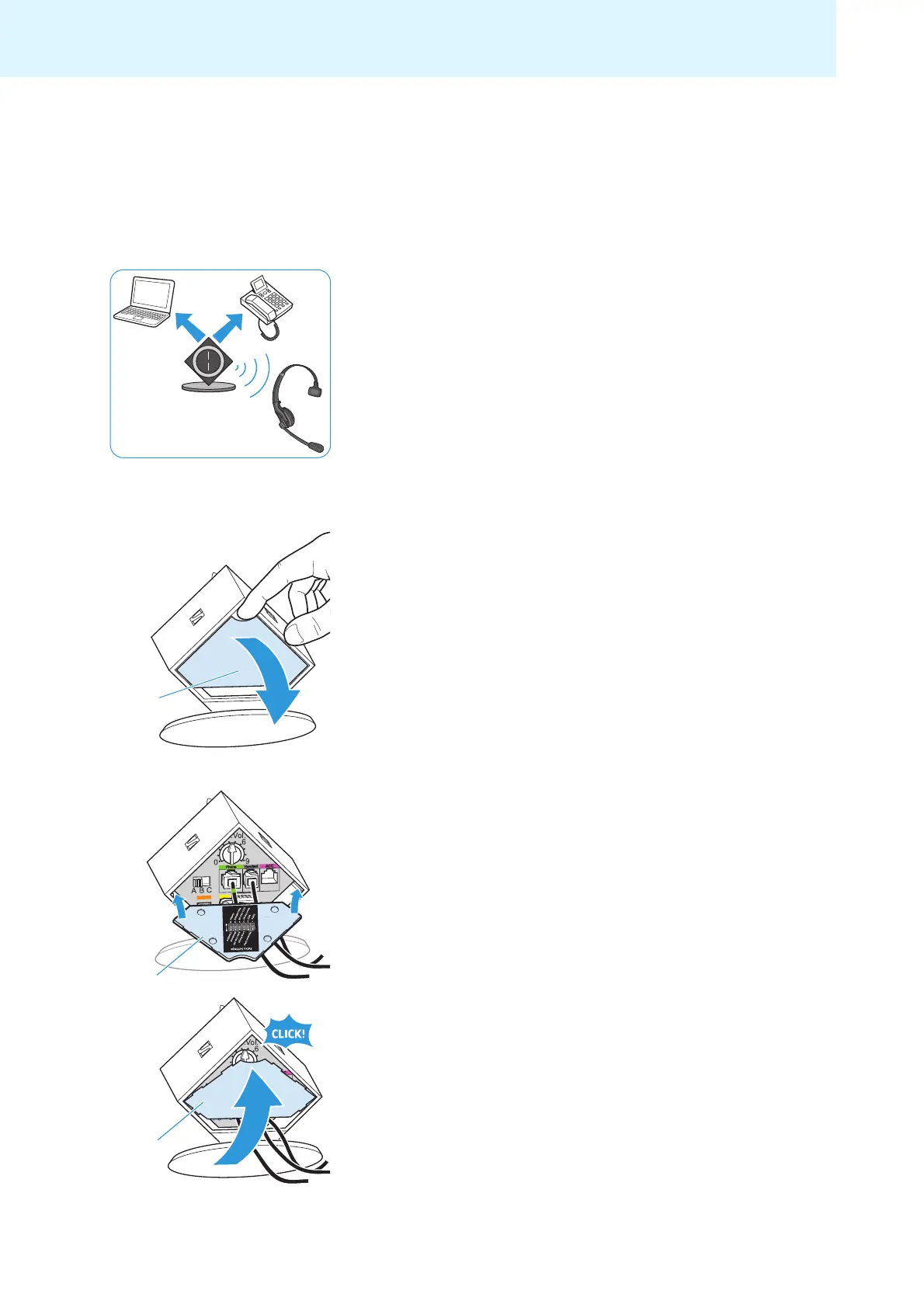
Putting the headset system into operation
10
Putting the headset system into
operation
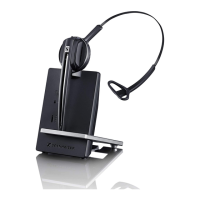
Putting the base station into operation
You can use the headset system with your fixed line phone (Phone mode)
and/or your PC (PC mode). The base station controls the wireless commu-
nication between the products.
Removing/attaching the cover
To remove the cover:
왘 Remove the cover by inserting a finger into the recess as shown.
To attach the cover and to secure the connected cables:
왘 Replace the cover to the rear of the base station (see diagram).
왘 Tilt the cover upwards until it locks into place.



 To Next Page