14
Care and maintenance
To clean the microphone’s sound inlet basket from time to time,
proceed as follows:
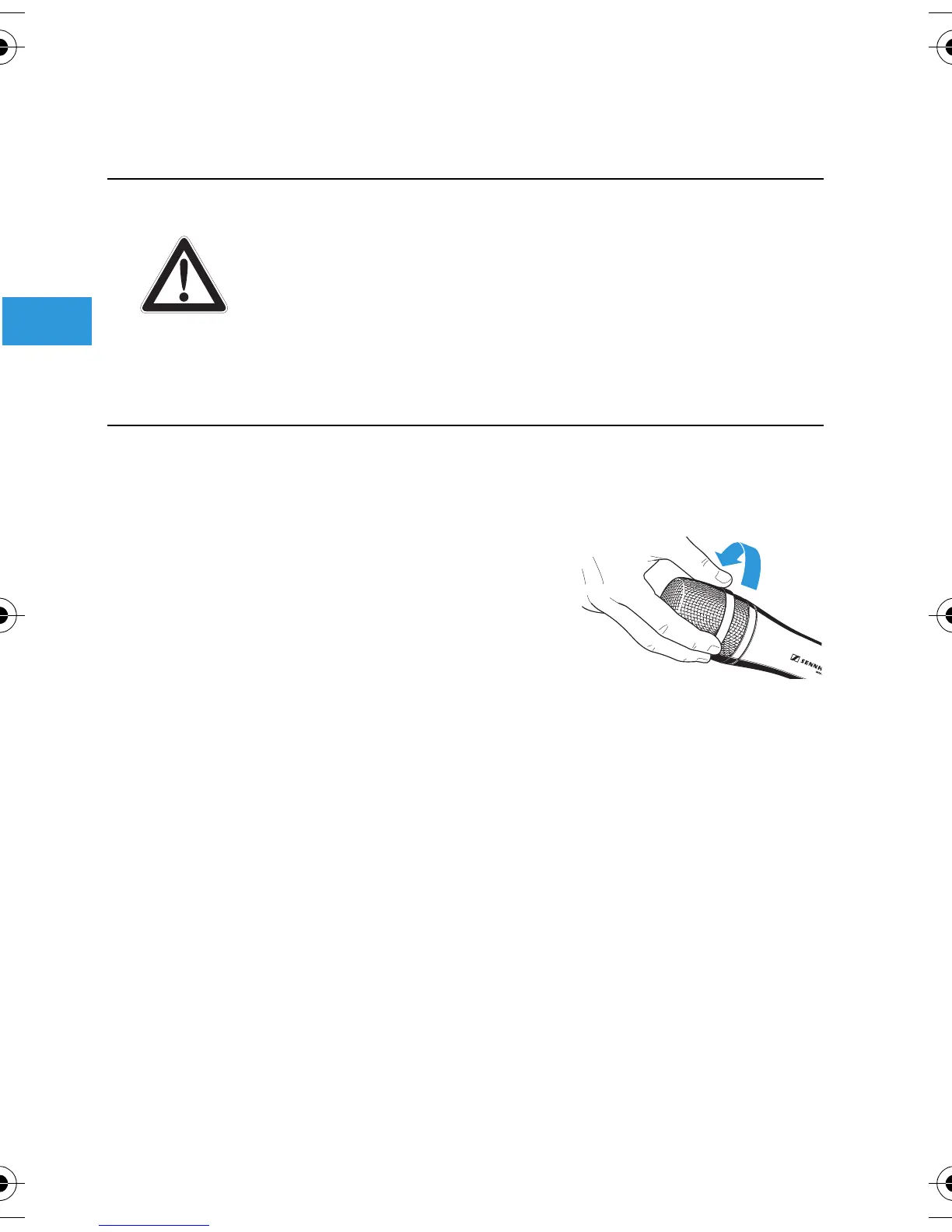
왘 Unscrew the sound inlet basket
from the microphone (see “Unscrewing
the sound inlet basket” on page 7).
왘 Remove the foam insert from the sound inlet basket .
왘 Use a slightly damp cloth to clean the sound inlet basket from
the inside and ouside.
왘 Reinsert the foam insert into the sound inlet basket .
왘 Replace the sound inlet basket on the microphone and
screw it tight.
CAUTION! Liquids can damage the electronics of the
microphone!
Liquids entering the housing of the microphone can
cause a short-circuit and damage the electronics.
왘 Use a soft, slightly damp cloth to clean the
microphone. Do not use any solvents or cleansing
agents.
e965_524141_0408_Sp6.book Seite 14 Mittwoch, 28. Mai 2008 11:14 11


 To Next Page