EasyManua.ls Logo

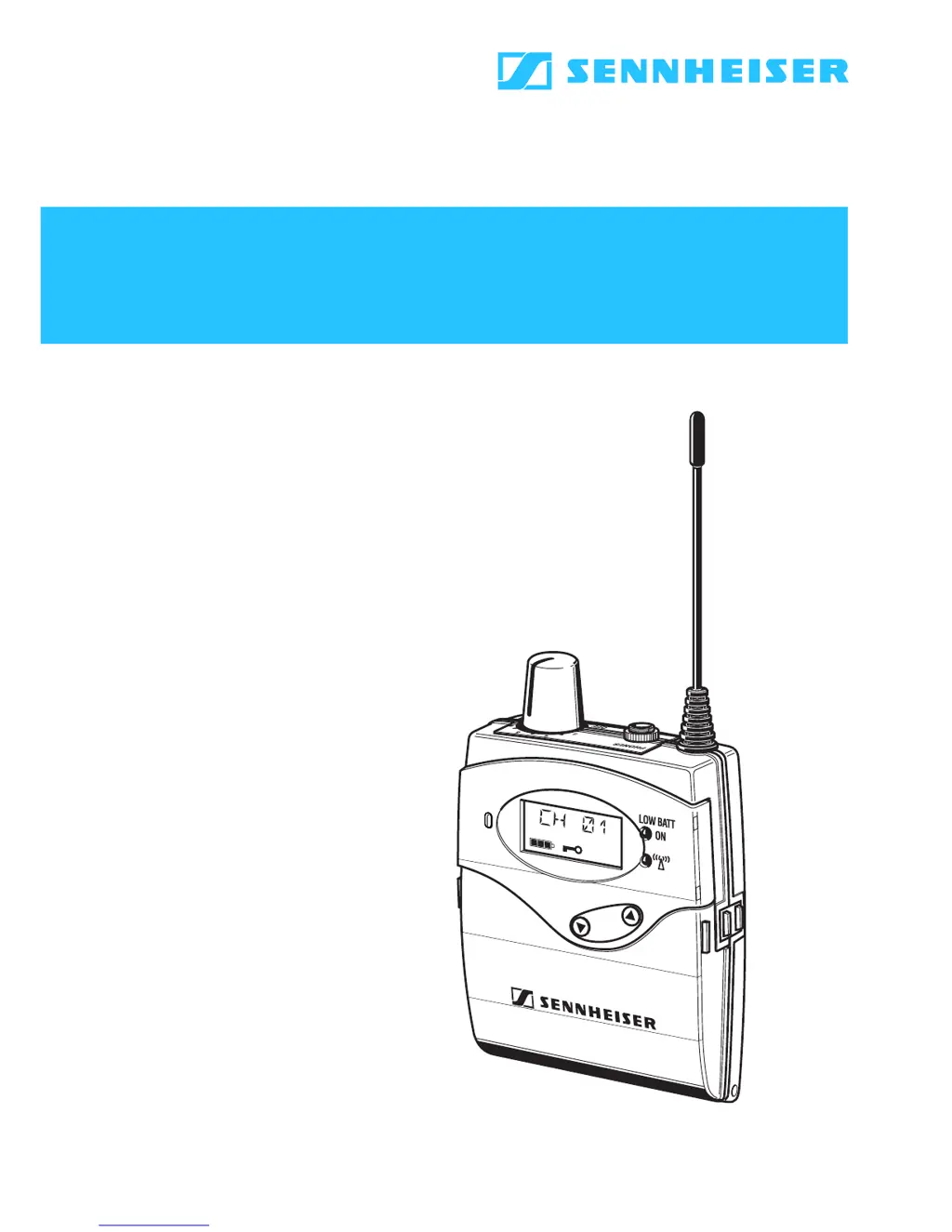
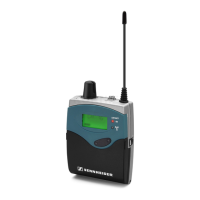
Sennheiser EK 1038 - User Manual

Sennheiser EK 1038
60 pages
Print Icon
To Next Page IconTo Next Page
Loading...
tourguide UHF
Instructions for use

Table of Contents

Questions and Answers

  • C
    craig03Jul 30, 2025
    Why is there no audio signal from my Sennheiser EK 1038 Receiver?
    • S
      stephensrobertJul 30, 2025
      If you're not getting any audio signal from your Sennheiser Receiver, it could be due to a couple of reasons. First, check that the transmitter and receiver are set to the same frequency. If they aren't, set them to the same frequency. Another potential issue is the distance between the transmitter and receiver; if the transmitter is out of range, reduce the distance between them.
  • A
    Ann DuranAug 3, 2025
    What to do if my Sennheiser Receiver has RF signal but no audio?
    • K
      krossAug 3, 2025
      If your Sennheiser Receiver shows an RF signal but you're not getting any audio, there are a few things to check: 1. Ensure that the transmitter's microphone is not muted. If it is, deactivate the muting function. 2. A defective microphone could also be the cause. If possible, replace the microphone. 3. Similarly, defective headphones could be the issue. Try replacing the headphones to see if that resolves the problem.
  • K
    Kyle GardnerAug 9, 2025
    How to fix a Sennheiser Receiver with no operation indication?
    • N
      Natalie TerryAug 9, 2025
      If your Sennheiser Receiver shows no operation indication, the batteries may be flat, or the rechargeable battery is flat. Replace the batteries or recharge the accupack.
  • J
    Joyce WatersAug 13, 2025
    Why is the audio signal distorted on my Sennheiser EK 1038 Receiver?
    • S
      saragrantAug 13, 2025
      Audio distortion in your Sennheiser Receiver might be due to the transmitter sensitivity being adjusted too high. Please refer to “Adjusting the sensitivity” on page 47.
  • G
    gonzalezmarvinAug 19, 2025
    How to reduce background noise on my Sennheiser EK 1038?
    • T
      Timothy SmithAug 19, 2025
      A high level of background noise in the audio signal of your Sennheiser Receiver can occur if the transmitter sensitivity is adjusted too low. Please refer to “Adjusting the sensitivity” on page 47.
  • V
    velazquezjohnAug 25, 2025
    What does it mean when the red LED flashes beside a charging compartment on my Sennheiser L 2015?
    • L
      lynchheatherAug 25, 2025
      If the red LED flashes next to a charging compartment on your Sennheiser L 2015, it could indicate several issues: 1. There might be no contact with the rechargeable battery because the contacts are dirty, or the rechargeable battery is not inserted correctly. Try cleaning the contacts or re-inserting the rechargeable battery correctly. 2. The rechargeable battery could be defective due to age or defective cells. In this case, replace the accupack. 3. The rechargeable battery temperature might be too low or too high. Always charge the rechargeable battery at room temperature. 4. Standard batteries (primary cells) or individual rechargeable batteries may have been inserted. Only charge the BA 2015 accupack!

Summary

Important Safety Instructions

General Safety Precautions

Covers general safety rules for operating the apparatus, including water, cleaning, ventilation, heat sources, and power.

Battery Safety Information

Specific safety guidelines for handling and charging Lithium-Ion rechargeable batteries and accupacks.

The Tourguide UHF System

System Components

Lists the main components included in the tourguide UHF system package.

EK 1038 Receiver

Special Features

Highlights the receiver's key characteristics, such as compact design, preset and selectable frequencies, and noise reduction.

Operating Controls

Identifies and describes the physical buttons, sockets, and indicators on the receiver unit.

Indications

Explains the meaning of various displays and LEDs on the receiver for status and operation.

Preparing for Use

Guides on inserting batteries, connecting headphones, and initial setup for the receiver.

Using the Receiver

Details on switching on/off, adjusting volume, changing channels, and basic receiver operation.

L 2015 Quick Charger

Special Features

Outlines the charger's capabilities, such as quick charging, automatic detection, and cascading options.

Operating Controls and LEDs

Identifies charger components and explains the LED indicators for charging status.

Preparing for Use

Instructions for cascading chargers and setting up the unit, including surface placement.

Using the Charger

Steps for charging the BA 2015 battery pack and receiver/transmitters, including charging times and status indicators.

SKM 100 G2; SKM 300 G2; SKM 500 G2 Radiomicrophones

Delivery Includes

Lists the items contained within the packaging for the radiomicrophone.

Operating Controls

Identifies and explains the buttons, display, and indicators on the radiomicrophone.

Preparing for Use

Instructions for inserting batteries/accupacks and changing microphone modules.

Using the Radiomicrophone

Details on switching the microphone on/off, muting the audio, and basic operation.

SK 100 G2; SK 300 G2; SK 500 G2 Bodypack Transmitters

Delivery Includes

Lists the items included in the packaging for the bodypack transmitter.

Operating Controls

Identifies and explains the transmitter's buttons, inputs, display, and indicators.

Preparing for Use

Guides on inserting batteries/accupacks, connecting cables, and attaching the transmitter.

Using the Bodypack Transmitter

Instructions for switching on/off, muting, and understanding operation/battery status.

SKP 100 G2; SKP 500 G2 Plug-on Transmitters

Delivery Includes

Lists the items included in the packaging for the plug-on transmitter.

Operating Controls

Identifies and explains the controls, display, and indicators on the plug-on transmitter.

Preparing for Use

Guides on inserting batteries/accupacks and plugging the transmitter onto a microphone.

LC Display Panel of Transmitters

LC Display Panel Overview

Details the various display elements and icons shown on the transmitter's LC display.

Battery Status Indication

Explains the 4-step battery status display and flashing icon for low battery.

Modulation Display

Describes the level display for audio signal "AF" and its indication of modulation.

Transmitter Operating Menu

Menu and Button Functions

Lists available menus, their functions, and the operational roles of the transmitter's buttons.

Adjustment Tips for Operating Menu

Provides guidance on adjusting settings like channel banks, frequencies, sensitivity, and lock modes.

Troubleshooting

Error Checklist

A table listing common problems, their possible causes, and suggested solutions for the system.

Recommendations and Tips

Optimizing Performance

Offers advice for optimal performance regarding transmission range, microphone handling, and antenna placement.

HDX Noise Reduction

Understanding HDX Noise Reduction

Explains how Sennheiser's HDX system reduces RF interference and improves signal-to-noise ratio.

Accessories and Spare Parts

Available Accessories

Lists optional accessories and spare parts for the various Sennheiser components.

Specifications

EK 1038 Receiver Specifications

Technical data for the EK 1038 receiver, including frequencies, bandwidth, and power.

L 2015 Charger Specifications

Technical data for the L 2015 quick charger, including input voltage and charging parameters.

Transmitter Specifications

Technical data for evolution wireless G2 transmitters, including modulation, frequency ranges, and power.

Channel Assignment

Frequency and Channel Mapping

A table showing the assignment of frequencies to channels for different transmitter models and the EK 1038 receiver.

Manufacturer Declarations

Warranty Information

Details the warranty period, coverage, exclusions, and claim procedures for Sennheiser products.

Compliance and Declarations

Information on CE conformity, battery recycling, WEEE declaration, and FCC/Industry Canada statements.

Sennheiser EK 1038 Specifications

General IconGeneral
ModulationFM
Operating TimeUp to 8 hours
Dimensions82 x 64 x 24 mm
Weight160 g
RF Output10 mW
Tuning Steps25 kHz
Power Supply2 x AA batteries
Sensitivity1.5 µV

Related product manuals