EasyManua.ls Logo

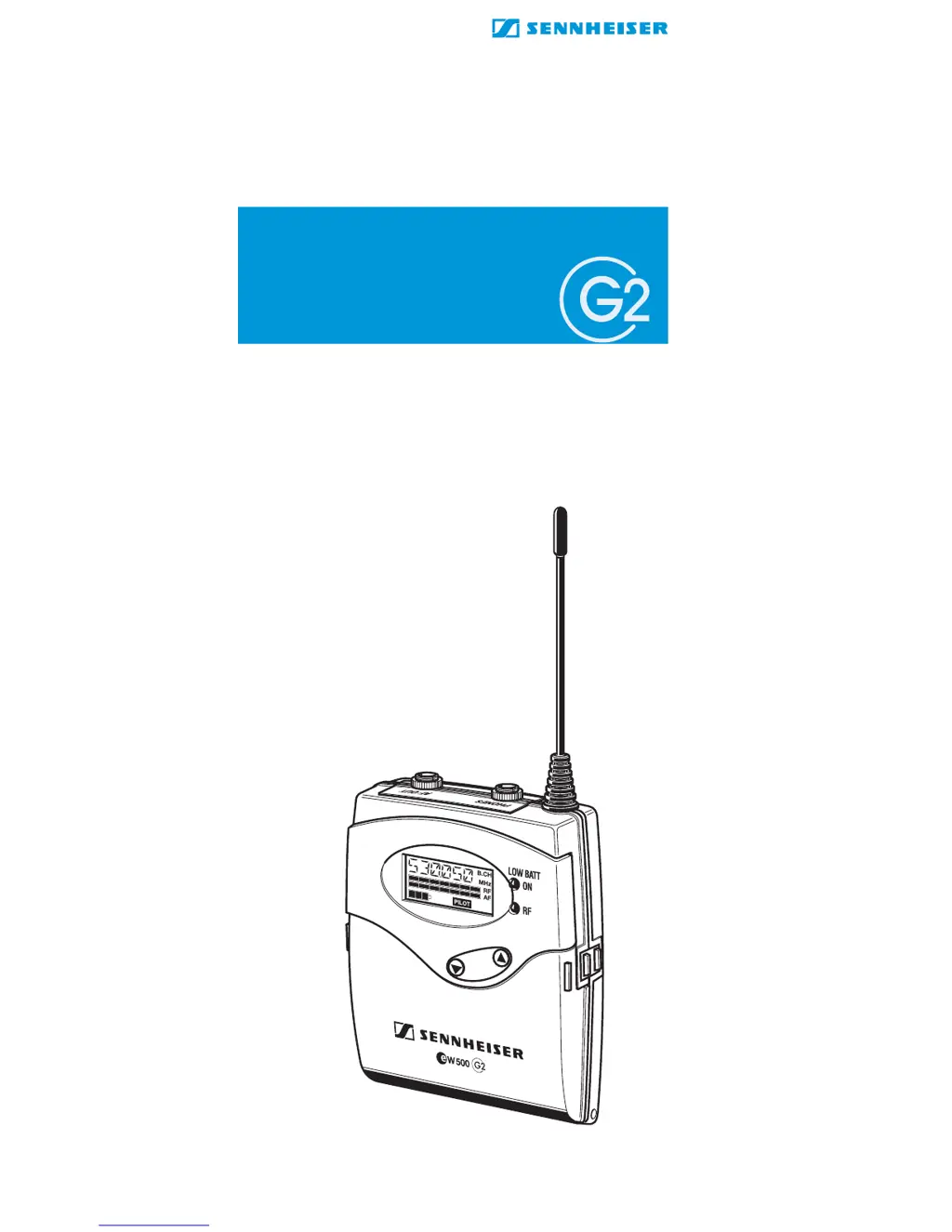
Sennheiser EK 500 G2 - User Manual

Sennheiser EK 500 G2
37 pages
Print Icon
To Next Page IconTo Next Page
Loading...
Instructions for use
EK 500

Table of Contents

Other manuals for Sennheiser EK 500 G2

Questions and Answers

  • K
    Kimberly BensonAug 16, 2025
    What to do if my Sennheiser EK 500 G2 has RF signal but no audio and shows 'MUTE'?
    • S
      scott16Aug 16, 2025
      If your Sennheiser receiver shows an RF signal but no audio, and the display shows 'MUTE', it could be due to several reasons: * The transmitter might be muted. Deactivate the muting function. * The receiver’s squelch threshold might be adjusted too high. * The transmitter might not be transmitting a pilot tone. Switch the pilot tone transmission on the transmitter on or switch the pilot tone evaluation on the receiver off.
  • J
    Jennifer FlynnAug 19, 2025
    What to do if the Sennheiser EK 500 G2 shows 'MUTE' and there is no audio signal?
    • S
      Sandra CampbellAug 20, 2025
      If the Sennheiser Receiver shows a 'MUTE' display and you're not getting any audio despite having an RF signal, the transmitter might be muted. Try deactivating the muting function on the transmitter. Alternatively, the receiver's squelch threshold might be set too high, or the transmitter may not be sending a pilot tone. In this case, switch the pilot tone transmission on or switch the pilot tone evaluation on the receiver off.
  • J
    Jessica HigginsAug 22, 2025
    Why is there no RF signal on my Sennheiser EK 500 G2?
    • M
      Megan WatkinsAug 22, 2025
      If there is no RF signal, it might be because the receiver and transmitter are not on the same channel. Ensure that both are set to the same channel. Alternatively, the transmitter may be out of range. In this case, check the squelch threshold setting or reduce the distance between the transmitter and the receiving antenna.
  • H
    haydenjenkinsAug 25, 2025
    What to do if Sennheiser EK 500 G2 Receiver audio signal is distorted?
    • T
      thomas53Aug 26, 2025
      If the audio signal from your Sennheiser receiver is distorted, it could be due to the transmitter sensitivity being adjusted too high. Adjust the transmitter sensitivity correctly. It may also be that the receiver’s AF output level is adjusted too high.
  • A
    Anthony WagnerAug 28, 2025
    Why is there high background noise in my Sennheiser EK 500 G2 Receiver audio signal?
    • D
      Dillon TaylorAug 28, 2025
      A high level of background noise in the audio signal from your Sennheiser receiver can be caused by a transmitter sensitivity that is adjusted too low. Adjust the transmitter sensitivity correctly. Also, check if the receiver’s AF output level is adjusted too low.
  • V
    Victoria OrtizAug 31, 2025
    How to fix no operation indication on a Sennheiser EK 500 G2 Receiver?
    • M
      Mrs. Casey LeeAug 31, 2025
      If there is no operation indication on your Sennheiser receiver, the batteries or accupack are likely flat. Replace the batteries or recharge the accupack.
  • N
    Nancy MaySep 3, 2025
    Why is the audio signal distorted on my Sennheiser EK 500 G2 Receiver?
    • J
      John GordonSep 3, 2025
      If you're experiencing a distorted audio signal with your Sennheiser Receiver, it could be that the transmitter sensitivity is set too high. Adjust the transmitter sensitivity correctly. It's also possible that the receiver’s AF output level is too high.
  • M
    melissa64Sep 6, 2025
    How to reduce background noise on my Sennheiser Receiver?
    • L
      Luke GarrettSep 6, 2025
      If you're getting a high level of background noise in the audio signal from your Sennheiser Receiver, the transmitter sensitivity might be adjusted too low. Adjust the transmitter sensitivity accordingly. Also, check if the receiver’s AF output level is adjusted too low.
  • D
    Douglas BeanSep 9, 2025
    Why is my Sennheiser EK 500 G2 showing no operation indication?
    • N
      Nathan BrownSep 9, 2025
      If your Sennheiser Receiver isn't showing any signs of operation, the batteries or accupack might be flat. Replace the batteries or recharge the accupack.
  • K
    Kelly JonesSep 12, 2025
    How to fix no RF signal on Sennheiser EK 500 G2?
    • D
      Donna BrownSep 13, 2025
      If you're not getting an RF signal on your Sennheiser Receiver, ensure that both the receiver and transmitter are set to the same channel. If they are, the transmitter might be out of range. Check the squelch threshold setting or reduce the distance between the transmitter and receiving antenna.

Summary

The EK 500 G2 Receiver

The Channel Bank System

Explains the receiver's five UHF frequency ranges and nine channel banks.

Safety Instructions

Attention! High Volume!

Warns about potential hearing damage from high sound pressure levels.

The Operating Controls

Controls Overview

Identifies and describes the numbered physical controls on the EK 500 G2 receiver.

Indications and Displays

LC Display Panel

Details the various icons and indicators on the receiver's liquid crystal display.

Operation and Battery Status

Explains the meaning of the red LED and battery status icons.

Preparing the Receiver for Use

Inserting and Replacing Batteries

Instructions for powering the receiver using AA batteries.

Inserting and Charging Accupack

Guidance on using and charging the Sennheiser BA 2015 accupack.

Connecting Audio Output and Camera Mounting

How to connect audio devices and mount the receiver to a camera.

Attaching Receiver to Clothing

How to attach the receiver to clothing using the belt clip or pouch.

Using the Receiver

Switching Receiver On;Off

Step-by-step guide to powering the receiver on and off.

Connecting Headphones

How to connect headphones to monitor the audio signal.

Hearing Protection and Lock Mode

Emphasizes hearing safety and explains the lock mode's function.

The Operating Menu

The Buttons

Details the function of each button (ON/OFF, SET, ▲/▼) in different modes.

Menu Navigation Overview

Lists the available menu options and their functions.

General Menu Operation

General instructions on navigating and using the receiver's menu system.

Operating Menu Navigation Flow

Operating Menu Adjustment Tips

Audio and Squelch Settings

Display and Naming Settings

Pilot Tone and Lock Mode

Troubleshooting Guide

Error Checklist

A table listing common problems, their causes, and solutions.

Technical Specifications

Sennheiser EK 500 G2 Specifications

General IconGeneral
Signal-to-Noise Ratio> 110 dB(A)
THD< 0.9%
Dimensions82 x 64 x 24 mm
Power Supply2 AA batteries
Operating Voltage3 V
ModulationFM
Audio Frequency Response40 Hz - 18 kHz

Related product manuals