EasyManua.ls Logo

Sennheiser EM 500 G2 - User Manual

Sennheiser EM 500 G2
32 pages
Print Icon
To Next Page IconTo Next Page
Loading...
SA 040818
Subject to alterations
Sennheiser electronic GmbH & Co. KG • 30900 Wedemark
Phone: +49 (5130) 600 0 • Fax: +49 (5130) 600 300 1/32
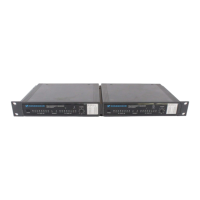
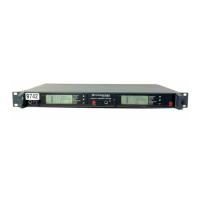
EM 100 G2
EM 300 G2
EM 500 G2
Service manual
Short Description
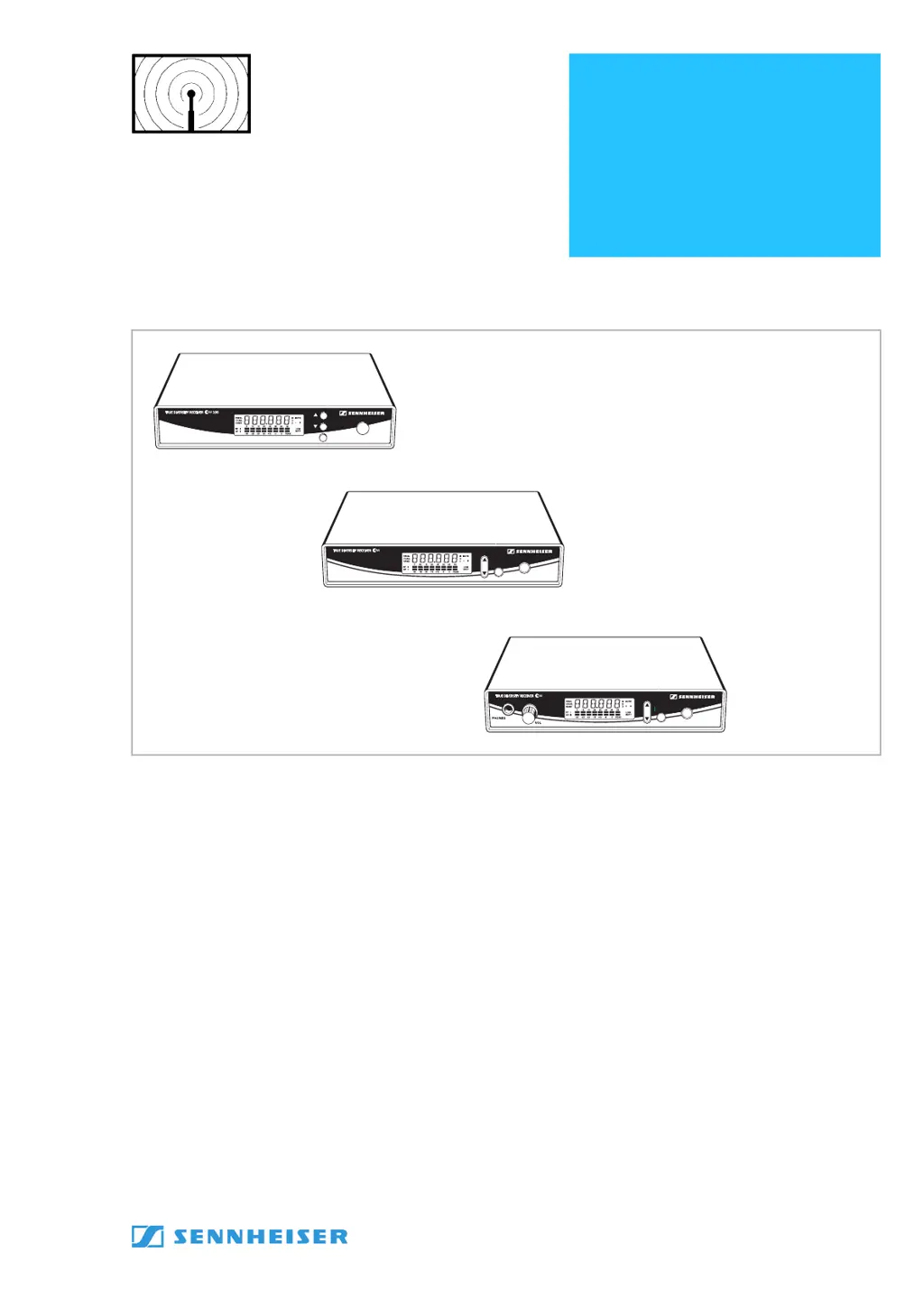
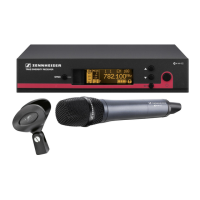
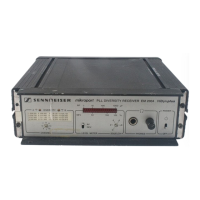
The three stationary receivers EM 100 G2, EM 300 G2 and EM 500 G2
are
,True Diversity receivers and are equipped with the HDX noise reduction
system. Each receiver has a switching bandwidth of 36MHz in the UHF band.
Features
1440 UHF frequencies available for interference-free reception.
Direct channel selection via presets.
Scan function for finding free receive channels.
Low battery warning on transmitter and receiver.
Squelch pilot tone for interference-free operation.
Sound check mode for checking transmission conditions
(only EM 500 G2).
POWER
SET
SET
ON
300
ON
SET
500
EM 100 G2
EM 300 G2
EM 500 G2

Questions and Answers

  • K
    Katelyn AlexanderAug 6, 2025
    What to do if my Sennheiser EM 500 G2 Receiver has RF signal but no audio and shows 'MUTE'?
    • T
      Terry KennedyAug 6, 2025
      If you see the “MUTE” display on your Sennheiser Receiver but have an RF signal and no audio, here's what you can check: * Ensure the transmitter isn't muted. Deactivate the muting function on the transmitter. * Verify that the receiver's squelch threshold isn't set too high. * Confirm that the transmitter is sending a pilot tone, or disable pilot tone evaluation on the receiver. * Check if the transmitter sensitivity is properly adjusted.
  • A
    Alex RichardsAug 11, 2025
    Why does my Sennheiser EM 500 G2 show no RF signal?
    • J
      Jennifer MosesAug 11, 2025
      If your Sennheiser Receiver shows no RF signal, the possible causes are: * The transmitter and receiver are not on the same channel. To solve this, set both to the same channel. * The transmitter is out of range. You can adjust the squelch threshold or reduce the distance between the transmitter and receiving antenna.
  • D
    delgadocynthiaAug 16, 2025
    How to reduce background noise on Sennheiser EM 500 G2 audio signal?
    • J
      Johnny BeckAug 16, 2025
      If the audio signal from your Sennheiser Receiver has a high level of background noise: * Check the receiver’s AF output level. * Verify that the transmitter sensitivity isn't set too high.
  • S
    Sabrina IbarraAug 20, 2025
    What to do if audio signal is distorted on Sennheiser Receiver?
    • J
      Jose HarrisAug 21, 2025
      If the audio signal from your Sennheiser Receiver is distorted, the receiver’s AF output level may be adjusted too high. In this case you should adjust the audio output level.
  • U
    uhubbardAug 27, 2025
    Why is there no operation indication on my Sennheiser EM 500 G2?
    • Q
      qfullerAug 27, 2025
      If there is no operation indication on your Sennheiser Receiver, check the connections of the mains unit.
  • M
    Mary VegaAug 31, 2025
    What does it mean if only one diversity display appears on my Sennheiser EM 500 G2?
    • R
      reginacarrilloAug 31, 2025
      If only one diversity display (I or II) appears on the display panel of your Sennheiser Receiver during a soundcheck, it may indicate that one of the antennas is not connected correctly. Check the antenna connections.

Sennheiser EM 500 G2 Specifications

General IconGeneral
Dynamic Range> 100 dB
Total Harmonic Distortion< 0.5 %
Switching Bandwidth36 MHz
Antenna ConnectorBNC
SquelchAdjustable
Pilot Tone SquelchYes
Tuning Steps25 kHz
ModulationFM
Audio Frequency Response40 - 18000 Hz
Weight1100 g
Frequencies516 - 865 MHz
Signal-to-Noise Ratio> 90 dB

Related product manuals