EasyManua.ls Logo

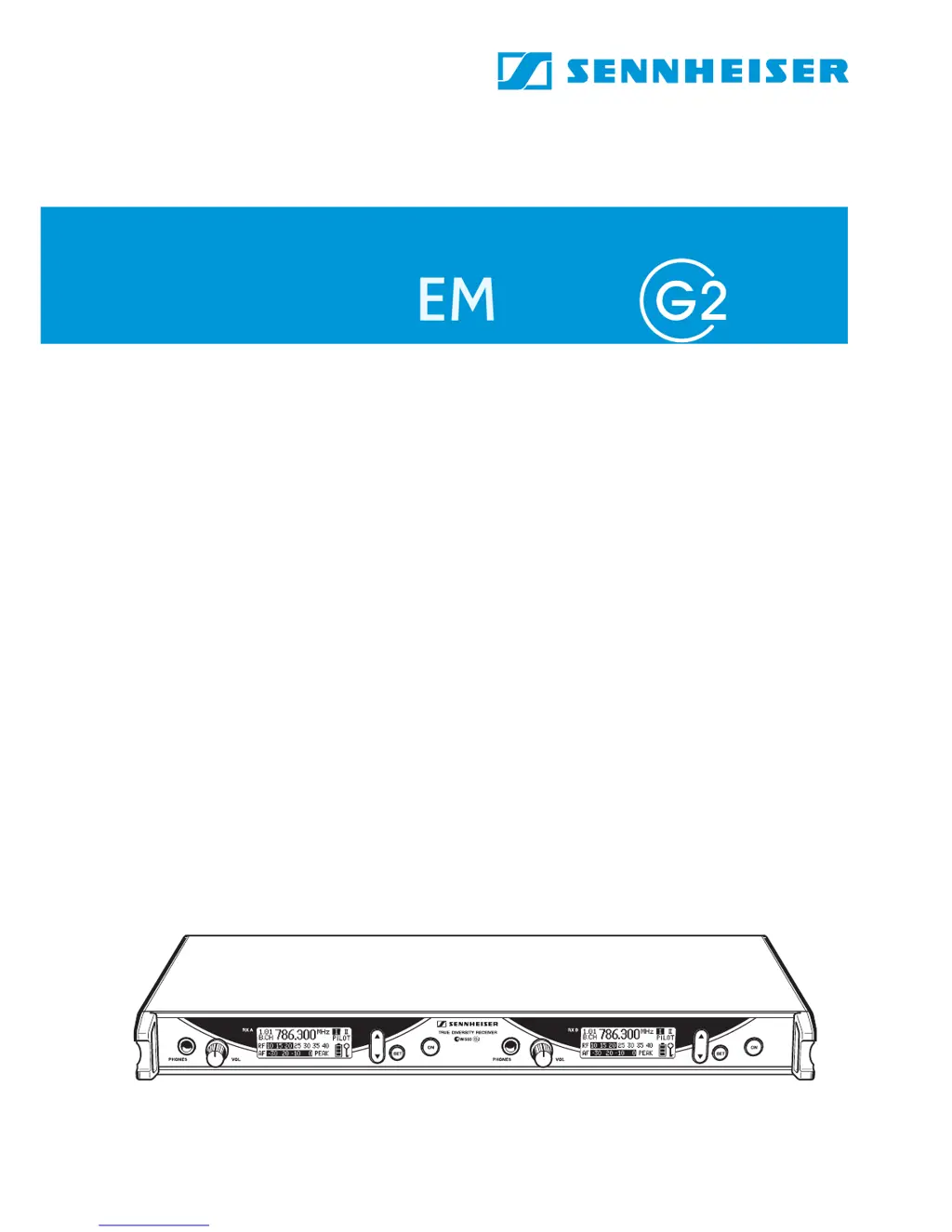
Sennheiser EM 550 G2 - User Manual

Sennheiser EM 550 G2
37 pages
Print Icon
To Next Page IconTo Next Page
Loading...
Instructions for use
/
EM 550

Table of Contents

Questions and Answers

  • P
    Patricia MiddletonJul 31, 2025
    What to do if my Sennheiser EM 550 G2 Receiver has RF signal but no audio and the mute light is on?
    • D
      drobertsJul 31, 2025
      If your Sennheiser Receiver shows an RF signal but no audio and the “MUTE” display is on, first, check if the transmitter is muted and deactivate the muting function. Also, the receiver’s squelch threshold might be set too high, or the transmitter might not be sending a pilot tone, so switch the pilot tone transmission on the transmitter on or switch the pilot tone evaluation on the receiver off. Finally, the transmitter sensitivity could be too low; adjust it accordingly.
  • D
    dustin74Aug 5, 2025
    How to fix no RF signal on Sennheiser Receiver?
    • J
      Jacqueline BaldwinAug 6, 2025
      If your Sennheiser Receiver shows no RF signal, ensure that the transmitter and receiver are set to the same channel. Also, the transmitter might be out of range. In this case, check the squelch threshold setting or reduce the distance between the transmitter and the receiving antenna.
  • C
    Craig StephensAug 11, 2025
    Why does my Sennheiser EM 550 G2 Receiver audio signal have a high level of background noise?
    • C
      collinsjosephAug 12, 2025
      If the audio signal from your Sennheiser Receiver has a high level of background noise, it could be due to the receiver’s AF output level being adjusted too low, or the transmitter sensitivity being adjusted too high. Adjust the transmitter sensitivity correctly.
  • J
    Jamie AguilarAug 18, 2025
    What causes a distorted audio signal on my Sennheiser EM 550 G2 Receiver?
    • T
      Timothy RamirezAug 18, 2025
      If the audio signal from your Sennheiser Receiver is distorted, the receiver’s AF output level may be adjusted too high.
  • A
    Amanda DayAug 25, 2025
    What to do if only one diversity display appears on my Sennheiser EM 550 G2 Receiver?
    • K
      Keith DavisAug 25, 2025
      If only one diversity display appears on the display panel of your Sennheiser Receiver during a soundcheck, check the antenna connections.

Summary

EM 550 G2 Receiver Overview

Safety Instructions

Operating Controls and Displays

Operating Controls Overview

Describes the physical buttons, sockets, and connectors.

Graphic Display Panel Explained

Details the information shown on the receiver's screen.

Indications and Displays

MUTE and Modulation Displays

Describes specific display messages like MUTE and PEAK.

Preparing the Receiver for Use

Daisy-Chaining Receivers

Connecting multiple units together for expanded systems.

Connecting Audio Outputs

Connecting to Amplifier;Mixing Console

Linking receiver audio outputs to external sound equipment.

Using the Twin Receiver

The Operating Menu

Button Functions for Menu Navigation

Explanation of how buttons interact with the menu.

Menu Structure Overview

List of available menu items and their purposes.

Menu Navigation and Settings

Step-by-step guide to menu operations.

Menu Navigation Flowchart

Visual representation of menu options and transitions.

Detailed Menu Functions

Scan Functionality

Locating available frequencies automatically.

Operating Menu Adjustments

Storing Frequencies in User Bank

Customizing the "U" (user) bank.

Scanning for Free Channels

Automatically finding available frequencies.

Advanced Operations and Settings

Multi-Channel System Setup

Configuring for simultaneous transmissions.

Troubleshooting

Error Checklist and Solutions

Common problems and their resolutions.

Squelch Functionality

Diversity Reception Principle

True Diversity Technology Explained

How the system uses two antennas for better reception.

Technical Specifications

RF and AF Characteristics

Detailed technical data for RF and AF signals.

Connector Assignment

Warranty Information

English Warranty Terms

Details of the product's guarantee period and conditions.

CE Compliance

Sennheiser EM 550 G2 Specifications

General IconGeneral
Pilot Tone SquelchYes
Tuning Steps25 kHz
ModulationWideband FM
RF Sensitivity≤1.5 μV (12 dB SINAD)
SquelchAdjustable
THD<0.5%
Antenna ConnectorBNC
Sensitivity≤1.5 μV (12 dB SINAD)
Dynamic Range>100 dB
Power Supply12 V DC

Related product manuals