
 Need help?
Do you have a question about the Sennheiser GSA 70 and is the answer not in the manual?
Details headset connectivity options like Bluetooth and low latency, plus key features.
Information about the SGS software for enhanced headset functionality, customization, and updates.
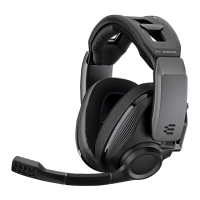
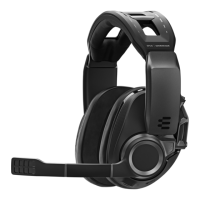
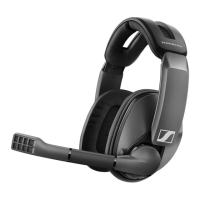
Lists all items included in the GSP 670 headset package.
Visual guide to the GSP 670 headset's components and controls.
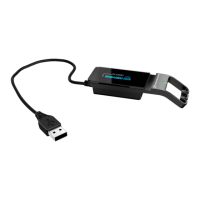
Visual guide to the GSA 70 dongle's parts and indicators.
Explanation of LED status lights for both the headset and the dongle.
Connecting the headset via USB and charging the battery for PC and PS4.
Step-by-step guide to pair the headset with mobile devices via Bluetooth.
How to connect and use the GSA 70 dongle for low-latency wireless audio.
Installing Sennheiser Gaming Suite and configuring audio settings in Windows.
Adjusting headband, boom arm, and pressure for optimal fit and comfort.
How to turn on the headset and establish wireless connections to devices.
Adjusting main volume and chat volume for optimal audio experience.
Muting the microphone and verifying remaining battery power.
Instructions for charging the headset and proper storage guidelines.
Managing sleep mode, powering off, and customizing the smart button.
Guidance on cleaning, replacing ear pads, and cover plates.
Instructions for updating the firmware for the headset and dongle.
Clearing pairing information for the headset and dongle.
Detailed technical specifications for the GSP 670 headset.
Detailed technical specifications for the GSA 70 dongle.
Common specifications like temperature and humidity.
 General
| Brand | Sennheiser |
|---|---|
| Model | GSA 70 |
| Category | Headsets |
| Language | English |



 To Next Page
