Using the HDVA 600
HDVA 600 | 12
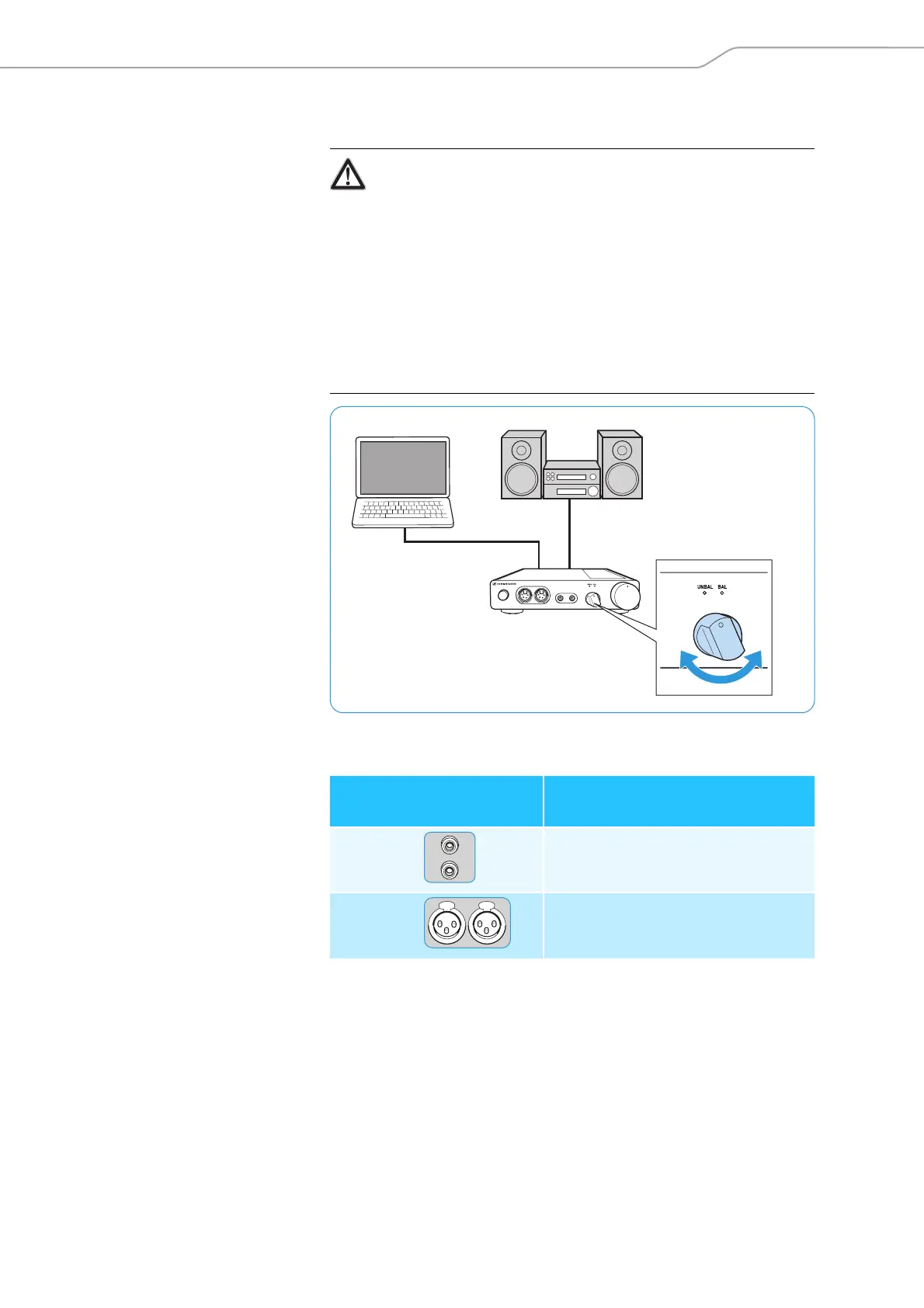
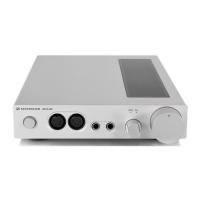
Selecting an audio source
왘 Use the input selection rotary switch to select your connected audio
source.
o
WARNING
Danger of hearing damage!
In order to protect your hearing, before switching to a different
audio source, first set the volume on the headphone amplifier to
a low level. Different signal sources and different listening material
(e.g. different pieces of music on different CDs) can have widely
varying signal levels. In the case where you switch to a higher level
signal source from a lower one without first reducing the volume
level this can lead to high volume levels in the headphones and
could damage your hearing.
왘 Set the volume on the headphone amplifier to a low level (see
page 13) before switching to a different audio source.
Switch position
Selected input on the
headphone amplifier
UNBAL RCA (analog)
BAL XLR-3 (analog)


 To Next Page