EasyManua.ls Logo

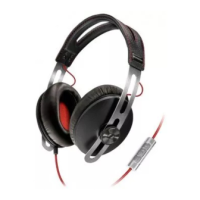
Sennheiser Momentum Wireless M2 OEBT - User Manual

Sennheiser Momentum Wireless M2 OEBT
36 pages
Print Icon
To Next Page IconTo Next Page
Loading...
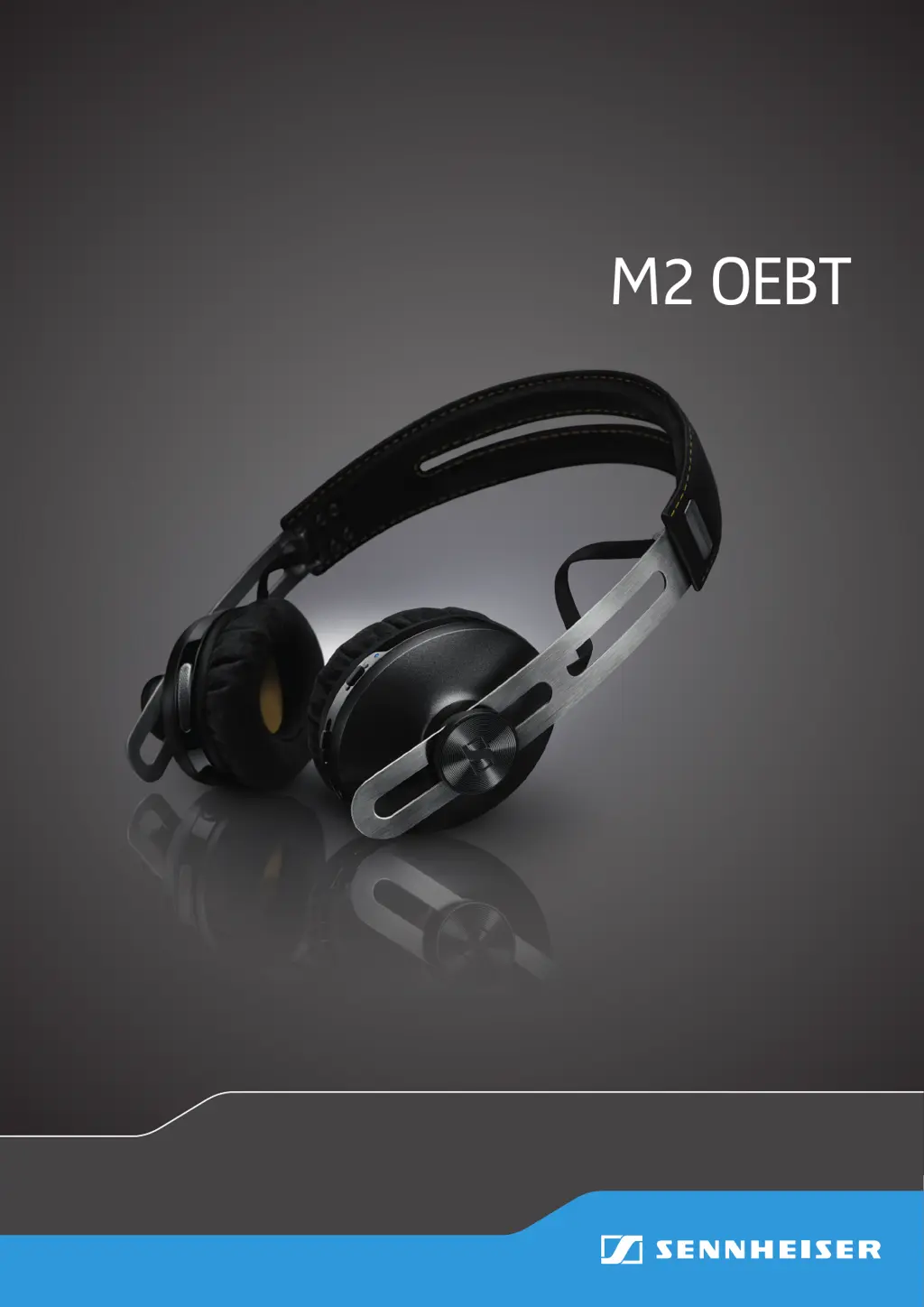
MOMENTUM Wireless
M2 OEBT
Instruction Manual

Questions and Answers

  • J
    Johnny DeanJul 31, 2025
    Why is there no audio from my Sennheiser Headphone?
    • S
      Stephanie BenderJul 31, 2025
      If you're not getting any sound from your Sennheiser Headphones, there are a few potential reasons. First, make sure that your headphones are actually powered on. Another common cause is the volume being set too low, so try increasing it. Also, verify that your headphones are properly paired with your device; if not, you may need to pair them again.
  • J
    Joann RiceAug 14, 2025
    What to do if my Sennheiser Momentum Wireless M2 OEBT Headphone cannot connect?
    • A
      amygordonAug 14, 2025
      If your Sennheiser Headphone won't connect, there could be a few reasons. Ensure that Bluetooth is activated on your smartphone. Also, verify that your smartphone is switched on. If pairing isn't working, check whether your smartphone supports the HFP or HSP Bluetooth profile.

Summary

Important Safety Instructions

Health and Accident Prevention

Crucial warnings about hearing protection and proximity to medical devices.

Product Damage and Malfunction Prevention

Guidelines to prevent product damage from environmental factors and improper use.

Safety Instructions: Intended Use and Battery

Lithium-Polymer Battery Safety

Critical safety advice regarding battery handling, charging, and disposal.

Product Introduction: MOMENTUM Wireless M2 OEBT

Product Overview: LED Status

Product Overview: Controls

Getting Started: Charging

Charging Basics and Indicators

Essential information on charging time, battery status indicators, and charging recommendations.

Getting Started: Charging Procedure

How to Charge Headphones

Step-by-step instructions on how to connect the headphones for charging via USB.

Getting Started: Pairing

Bluetooth Pairing Overview

Introduction to pairing methods, profiles, and device connection limits.

Getting Started: NFC Pairing

Pairing via NFC

Instructions for pairing headphones with smartphones using NFC technology.

Getting Started: Bluetooth Pairing

Pairing via Bluetooth

Step-by-step guide for pairing headphones with Bluetooth-enabled devices.

Getting Started: Disconnecting and Fit

Using the Headphones: Power

Using the Headphones: Volume

Using the Headphones: Battery

Using the Headphones: Music

Using the Headphones: Calls

Call Management Functions

How to make, accept, reject, and end calls, including call transfer and toggling.

Using the Headphones: Call Transfer

Using the Headphones: Advanced Functions

Using the Headphones: Audio Cable

Troubleshooting Common Issues

Headphones Wont Turn On

Solutions for issues where the headphones fail to power on, including battery checks.

No Audio Signal Problems

Troubleshooting steps for when there is no sound, such as checking pairing and volume.

Device Connection Problems

Solutions for problems with pairing and connecting the headphones to devices.

Button Unresponsiveness

Steps to resolve issues where headphone buttons do not respond, including clearing settings.

Troubleshooting: Connectivity

Sennheiser Momentum Wireless M2 OEBT Specifications

General IconGeneral
BrandSennheiser
ModelMomentum Wireless M2 OEBT
CategoryHeadphone
LanguageEnglish

Related product manuals