

 To Next Page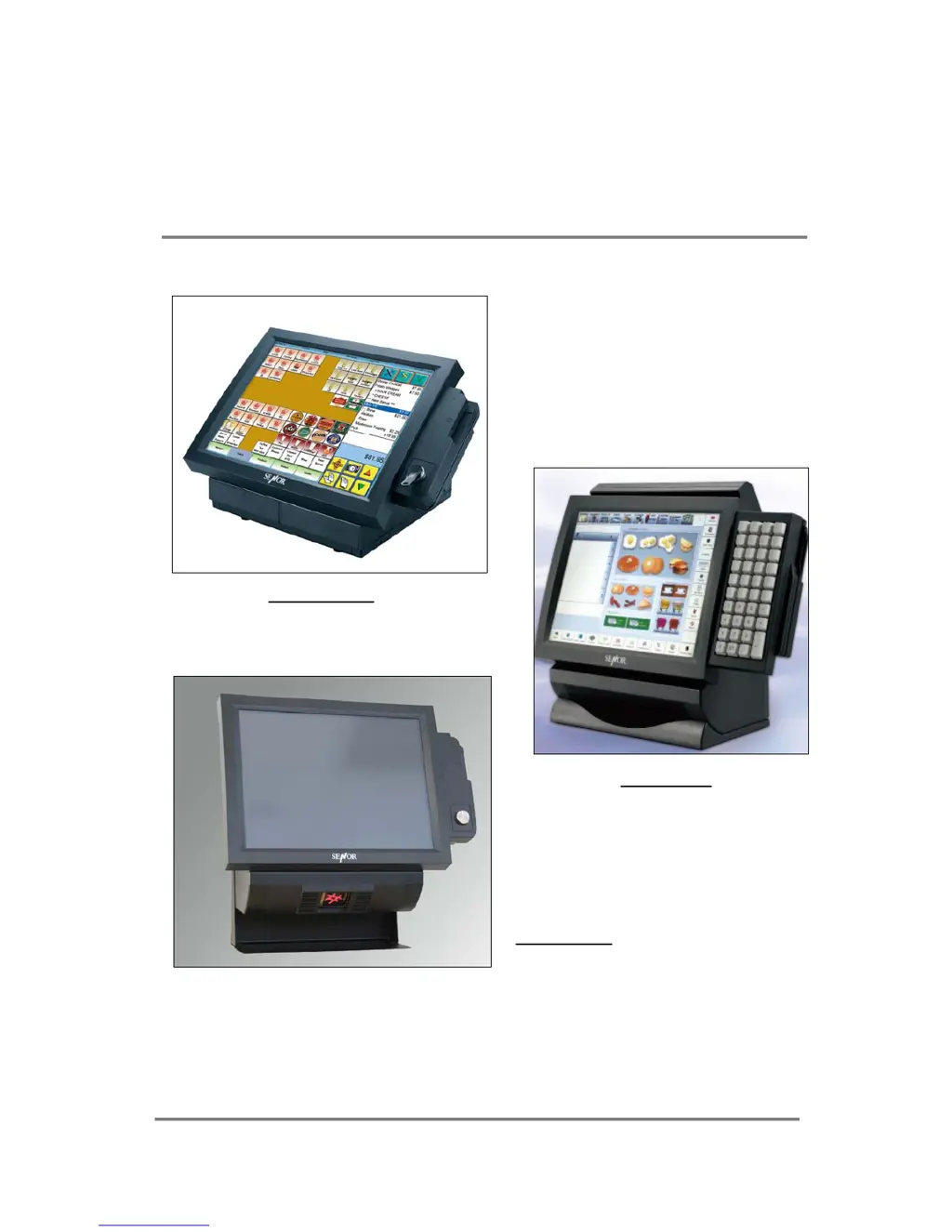
K
Kimberly HarrisSep 12, 2025
Why do Senor Tech Touch terminals show 'Invalid configuration information' message?
- LLori ConradSep 12, 2025
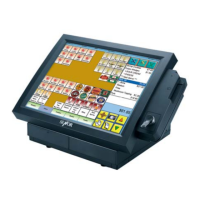
If your Senor Tech Touch terminals display an 'Invalid configuration information' message or show incorrect memory amounts, run the CMOS Setup utility. Ensure the amount of base memory defined by the setup utility is correct and matches the actual system memory. If the problem persists, turn off the Upper Part, unplug the power cord, and reseat the SIMM RAM modules on the motherboard. If the issue continues, remove each SIMM and inspect for damage, as a SIMM may be defective.
 General