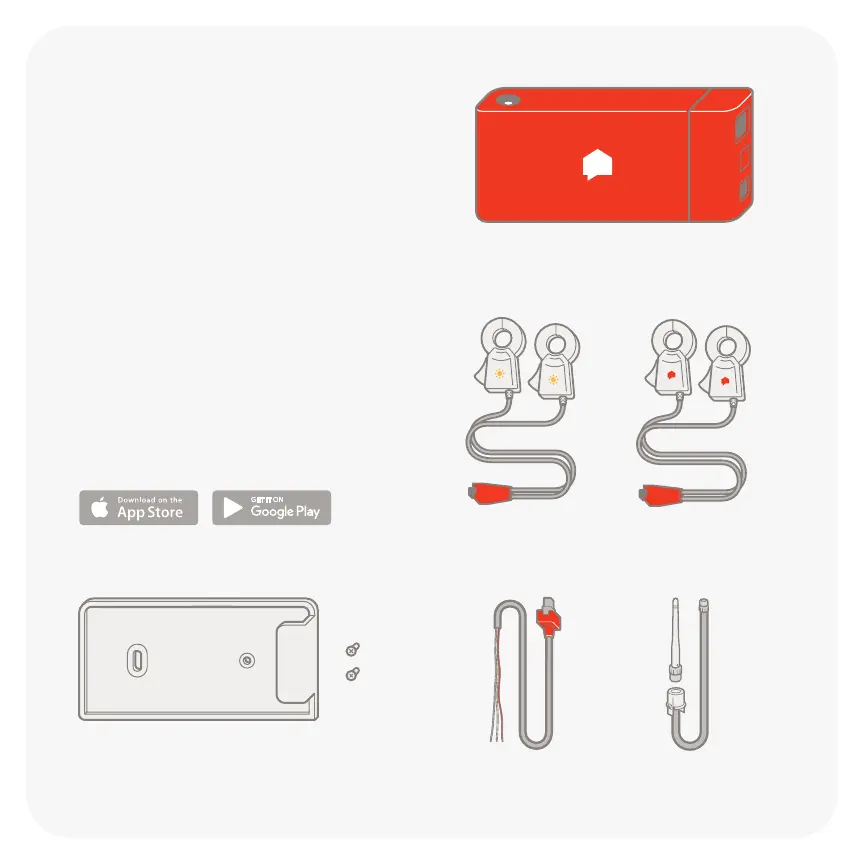
Solar sensors Current sensors
Power cable Antenna kit
Instructions
1. Install the Sense monitor
2. Install app at sense.com/app
3. Tap “Get Started” in the app
4. Use the app to complete setup
Sense monitor
External mounting kit*
Screws only for external use
When installing Sense, you must
be generating at least 150 watts to
calibrate the system correctly. If
upgrading to solar, do not remove
the existing sensors. Check
compatibility at sense.com/works.

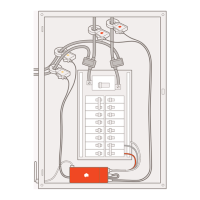

 To Next Page