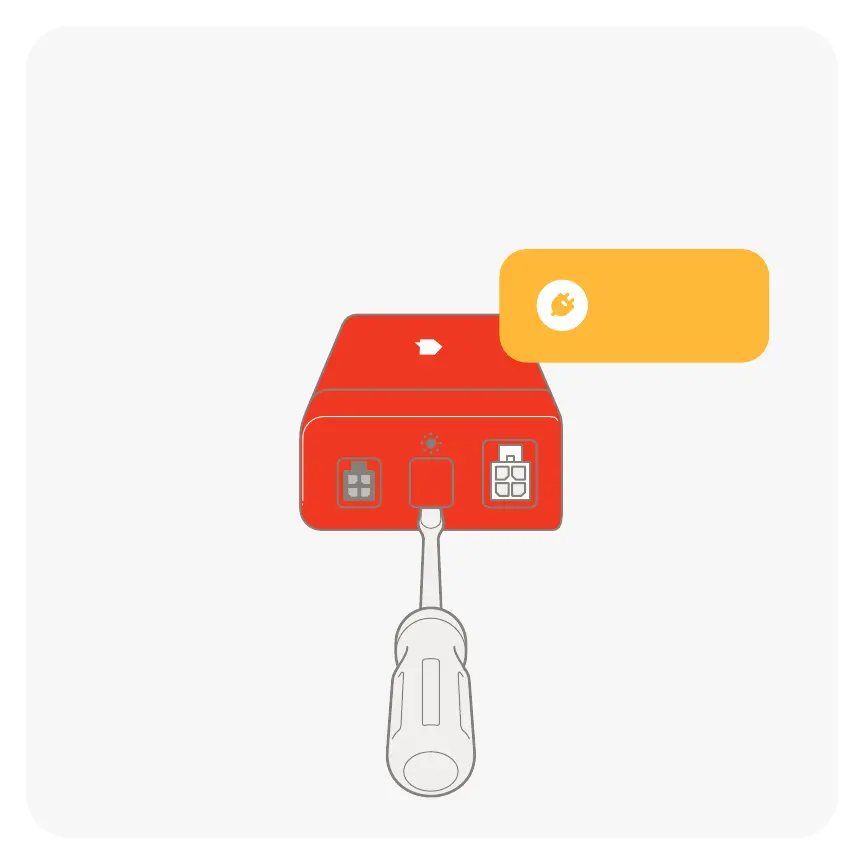
03 First time installing Sense?
Using a athead screwdriver, pry
open the cap on the middle port of
the Sense monitor. This will be used
to connect the solar sensors.
Warning: Do not use
screwdriver on live
equipment.
Upgrading current setup to solar?
Ensure the power is o before prying
open the middle port.
Then skip to step 8.


 To Next Page