30
SensoLite Nova
Recalling data from memory
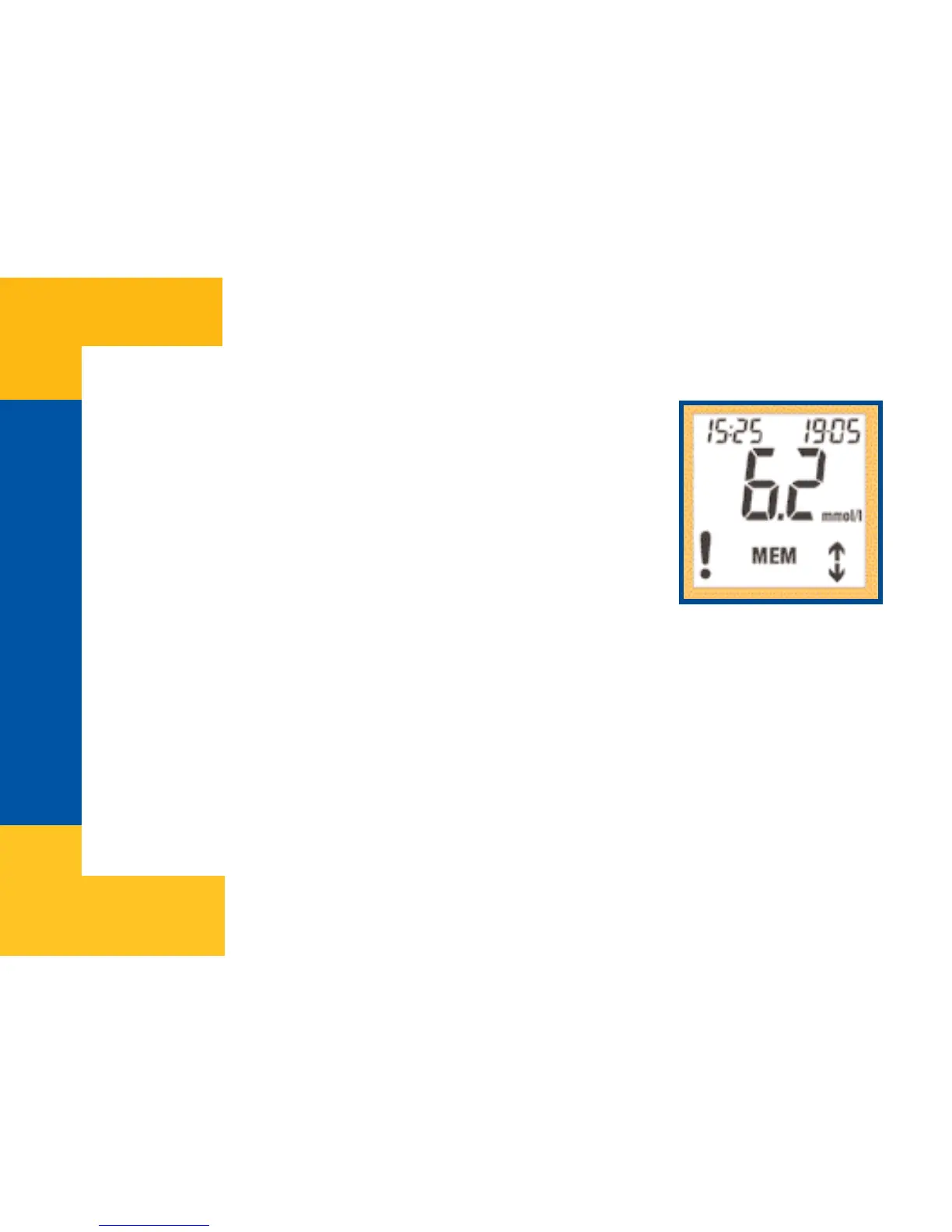
Stored data can be retrieved from memory by selecting MEMORY
mode. Press the Up button after switching the meter on to enter
MEMORY mode. Result of the last measurement will appear on
the screen. Date and time of the measurement will be displayed
in the upper line of the display.
Scroll among stored memory records with the help of the Up and Down buttons. When you
reach the earliest memory record, meter stops scrolling. Those results that were marked after
measurement will be displayed with exclamation mark (!) when recalled.
By pressing the OK button, meter will enter the „Average calculation” mode. Press the OK
button again to return to test mode.


 To Next Page