38
SensoLite Nova
DELETING DATA STORED IN MEMORY
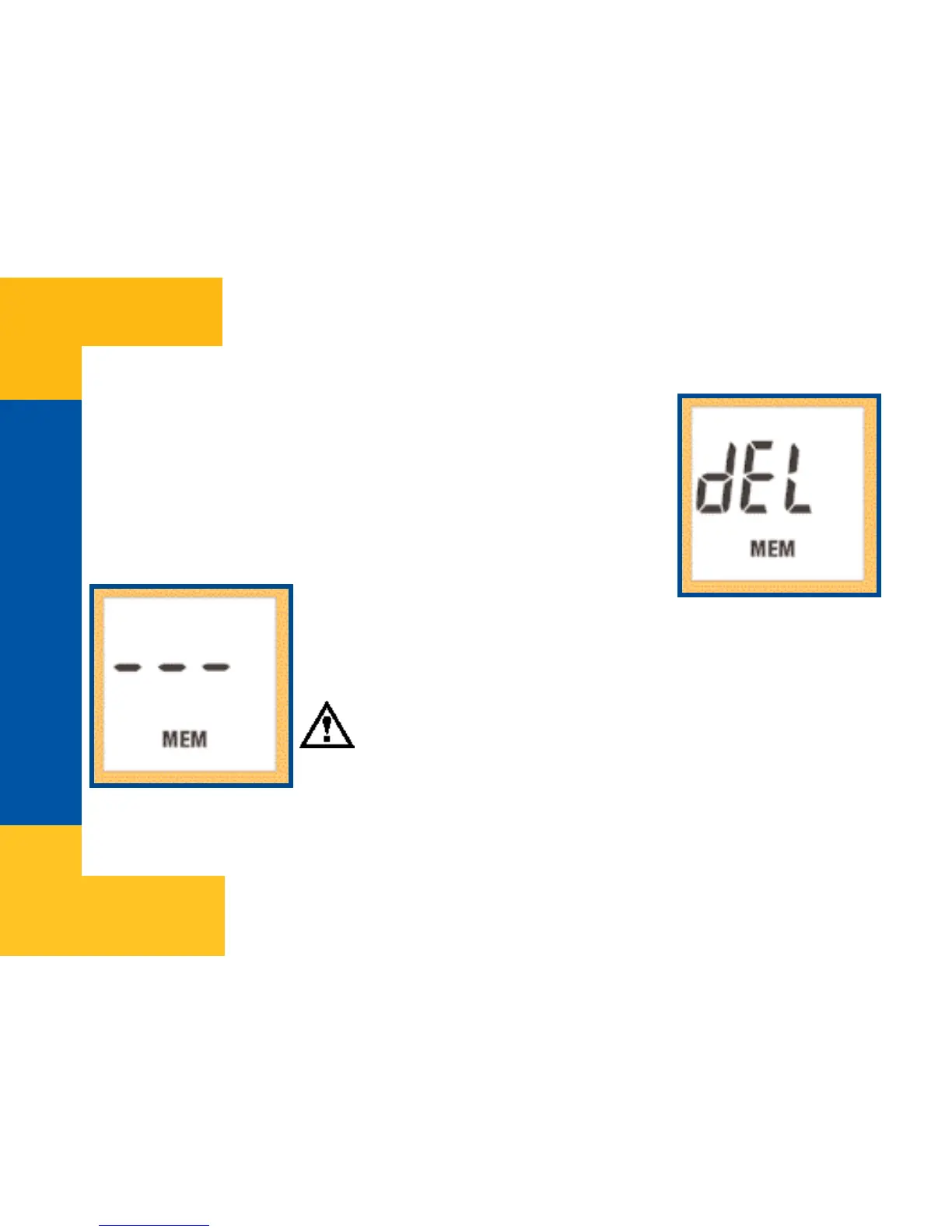
All data in memory can be deleted in dEL mode. After deletion
default data setting will be restored (set by Manufacturer:
! 5.4 mmol/l).
Switch meter on with the OK button and keep it pressed until
“dEL” appears on the screen, then release the button.
To avoid data loss by mistake, memory
deletion will only be executed if after entering this menu first
Down button and right after Up button is pressed. After deletion
meter switches off automatically.
Important!
It is possible to exit from the memory delete mode without losing
data by pressing the OK button or by pressing the buttons in any
order other than first Down button then Up button. Data will not be lost either if meter
switches off automatically after 2 minutes.


 To Next Page