33
SensoLite Nova
Switch meter on with the OK button and keep it pressed.
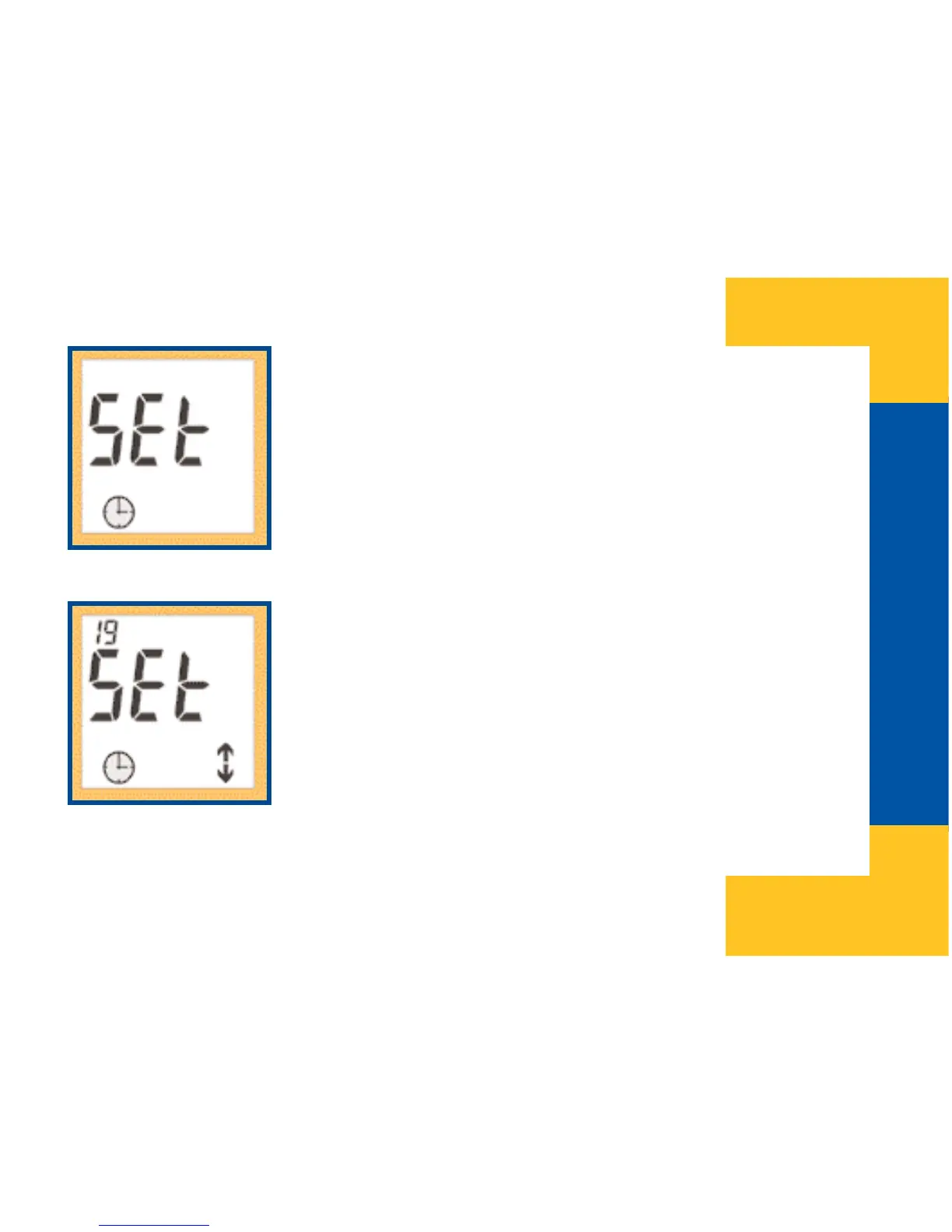
Select the time setting menu by releasing the OK button when
“SEt” time appears on the screen.
After entering the time setting menu, only hours will be dis-
played in the upper left corner of the screen. Hours can be
modified with the help of the Up and Down buttons. By press-
ing and holding down the buttons, hours can be set in fast
mode. As you scroll hours, clock mode changes at each
rolling over between 12 hour clock mode and 24 hour clock
mode. After setting the hours press the OK button to switch to
minutes setting function and use the Up and Down buttons
for adjusting here as well.


 To Next Page