6X Multispectral Sensor Reflectance Panel User Guide
www.sentera.com Page 5 of 13 Updated August 13, 2020
844.SENTERA © 2020 Sentera, LLC. All rights reserved.
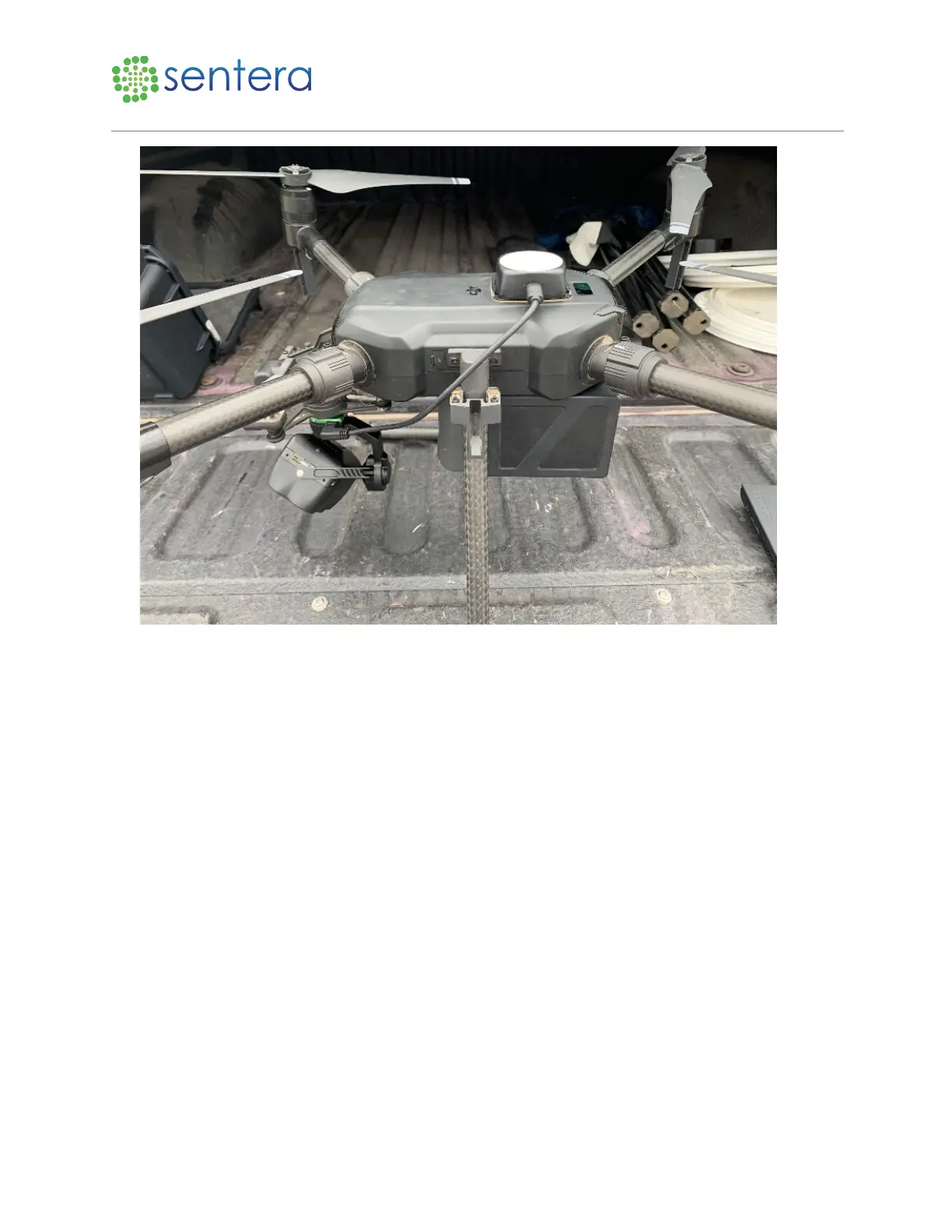
Figure 1: Attach Camera and ILS Sensor
2. Wait for the 6X and ILS sensor LED lights to turn green, indicating a session has started and the
sensor is ready to capture images, as shown in Figure 2.



 To Next Page