6X Multispectral Sensor Reflectance Panel User Guide
www.sentera.com Page 10 of 13 Updated August 13, 2020
844.SENTERA © 2020 Sentera, LLC. All rights reserved.
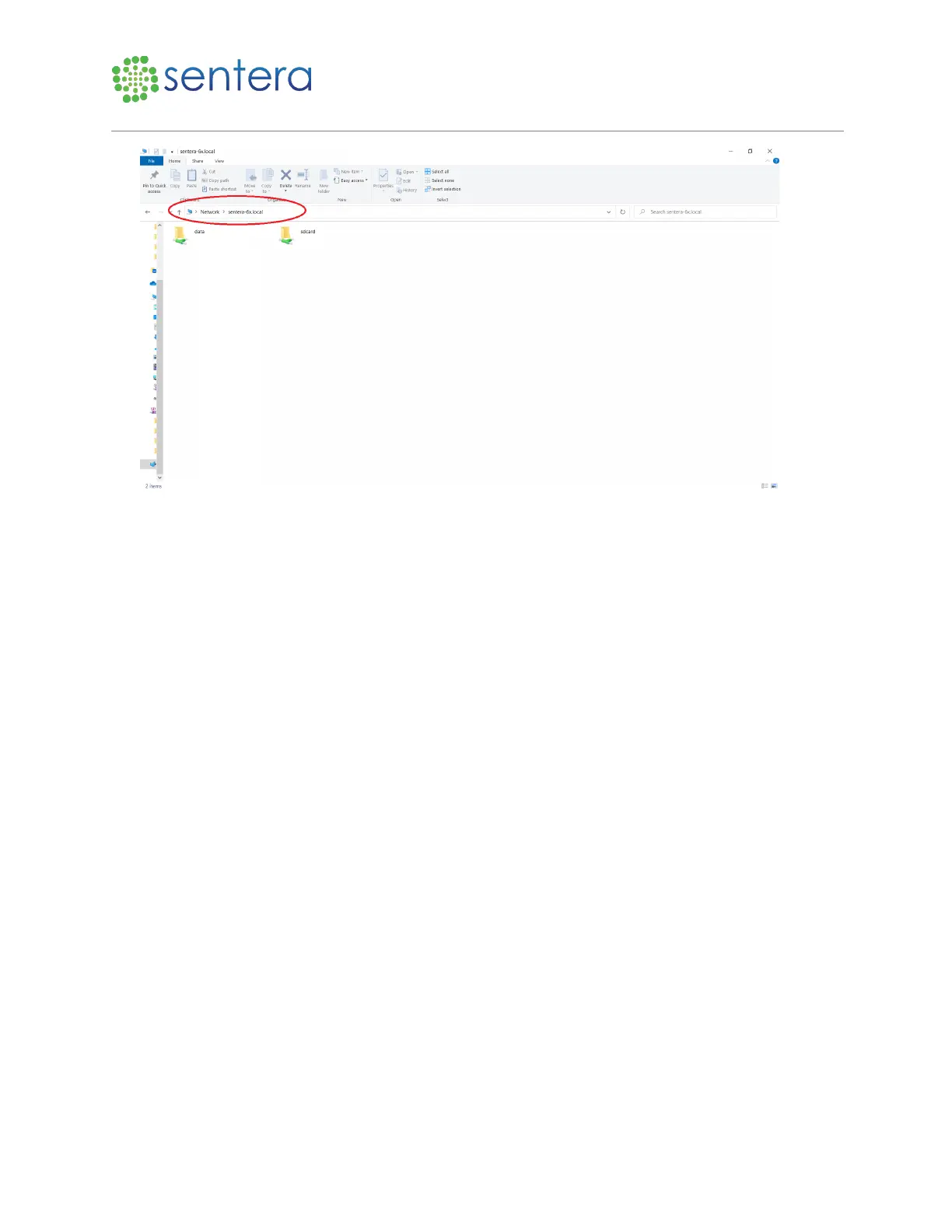
Figure 7: Captured Image Location
4. Perform a compass calibration or other adjustments as necessary before recording reflectance panel
images.
3.3 Capture Reflectance Panel Images
To record reflectance panel images:
1. In a clear area, open the reflectance panel, only holding it by the edges, and place it on a flat surface
or the ground near the drone, as shown in Figure 8.



 To Next Page