6X Multispectral Sensor Reflectance Panel User Guide
www.sentera.com Page 8 of 13 Updated August 13, 2020
844.SENTERA © 2020 Sentera, LLC. All rights reserved.
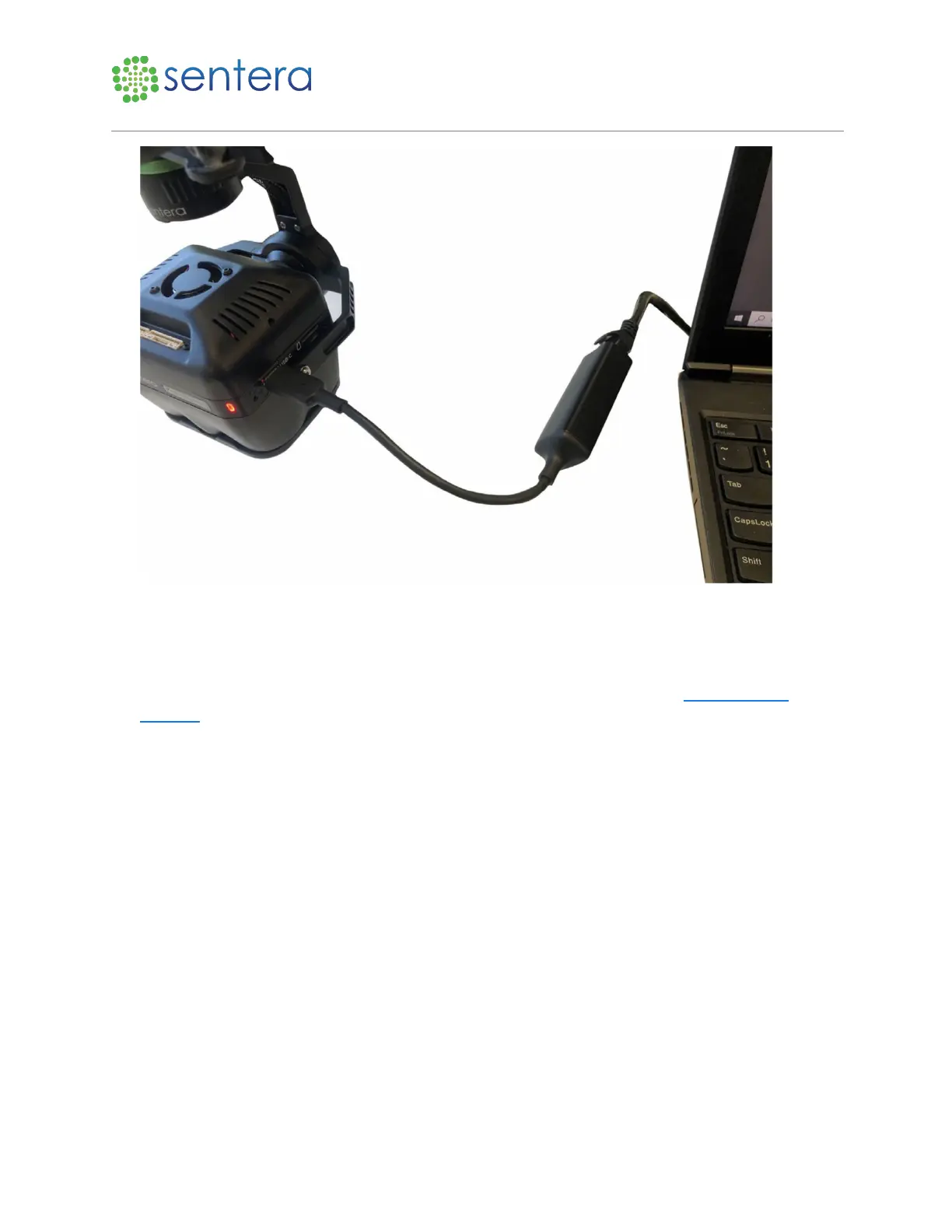
Figure 4: Plug Ethernet into Laptop
3.2 Capture an Image
To capture an image:
1. Open a web browser on the laptop and navigate to the 6X Configuration page http://sentera-
6x.local/., as shown in Figure 5. If that doesn't work try refreshing the page or try navigating to
http://192.168.42.1/.



 To Next Page