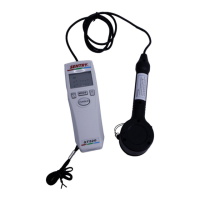
Contact and Non-Contact Measurement Mode Switch:
The functions are separated into two group of
measurement. One is the rate measurement which is
shown on the left side of the following flow chart.
The other is the revolution and length measurements
which are shown on the right side of the following flow
chart.
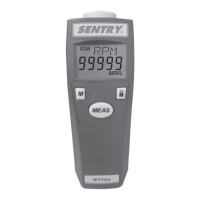
The user can press the "U" button once to change from
RPM, rPm…. to the next sequentially.
Press the "U" button and hold for approx. 3 sec to leap
to next group.
13


 To Next Page