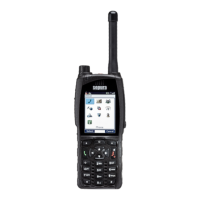
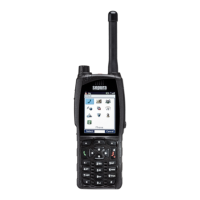
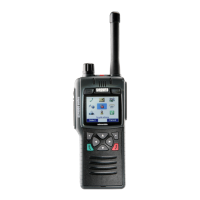
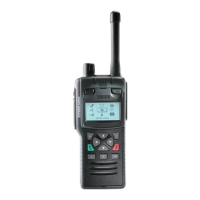
Your radio at a glance
Item Description
1 Emergency Button. Press and hold (2 seconds) to initiate an Alarm call.
2 Antenna.
3 Rugged Accessory Connector (sRAC). Provides connection for accessories.
4 Centre context key (Groups, Status, Profiles). Press to activate the feature or option that
appears directly above the key.
5 Right context key. Press to activate the feature or option that appears directly above the key.
6 Red (Cancel/Home) key. Press and hold (2 seconds) to power on your radio. From the Home
screen, press and hold (4 seconds) to power off. Press and hold (2 seconds) to return to the Home
screen from any other screen.
7 Alphanumeric keypad with backlight and Loudspeaker behind used for half-duplex calls.Keys 0–
9, # and * are programmable soft keys.
8 Microphone used for full-duplex calls.
9 Navigation keys. Press to scroll through lists and move the cursor when writing text.
10 Green (Select/Send) key. Press to initiate a half-duplex individual call or a full-duplex call. Press to
select a menu item or action a function, or send a status or text (SDS) message.
User Guide 1



 To Next Page
 Loading...