19
Examples of custom button mapping
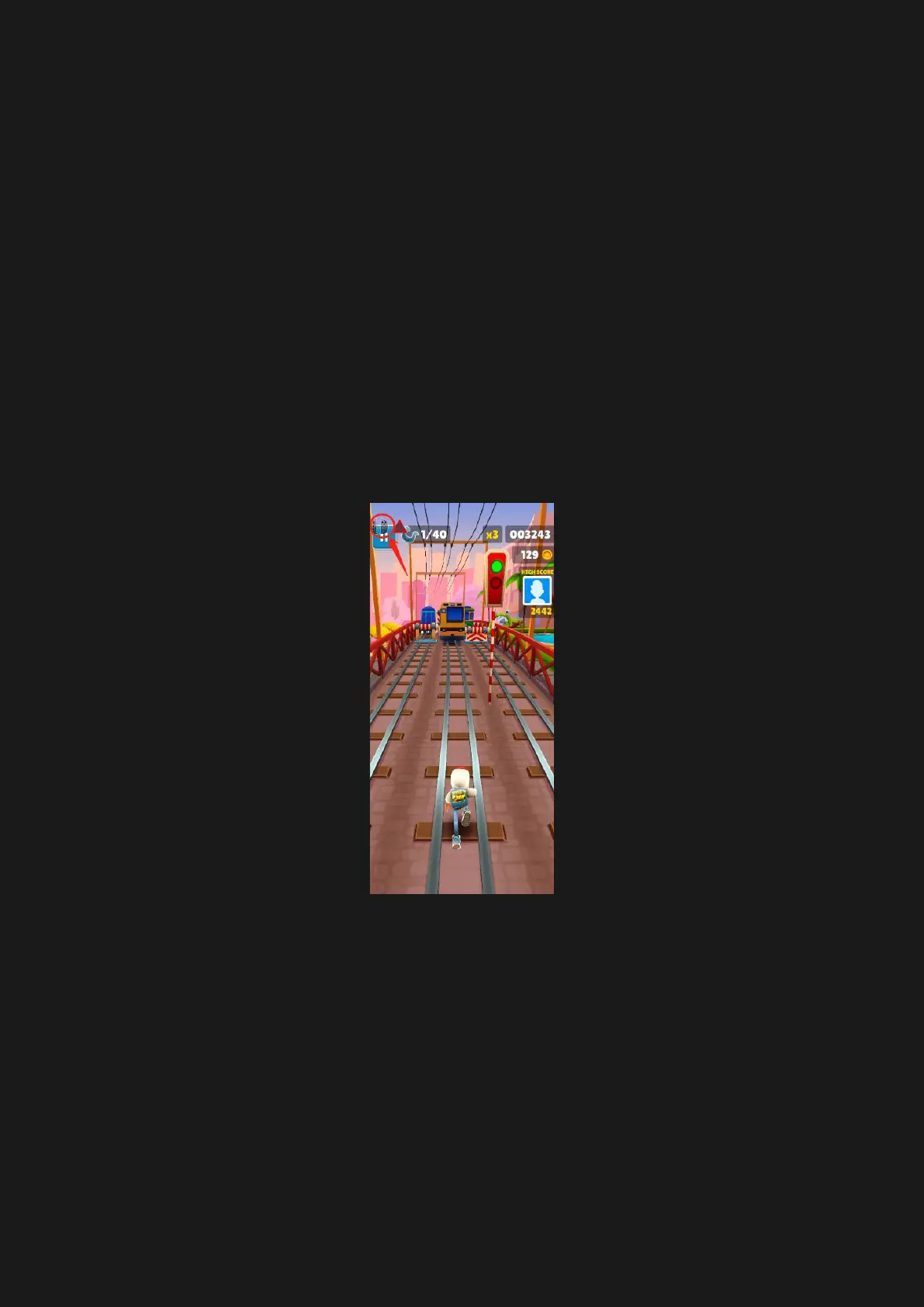
A: Game 1: Subway Surf
1. Pair Serafim S1 with your phone and
launch Serafim Play app. Tap “S series”
and activate button customization
overlay.
2. Enter the game, take screenshot and
access the picture in an album.
3. Tap controller icon on the left side of the
floating gadget.



 To Next Page