44
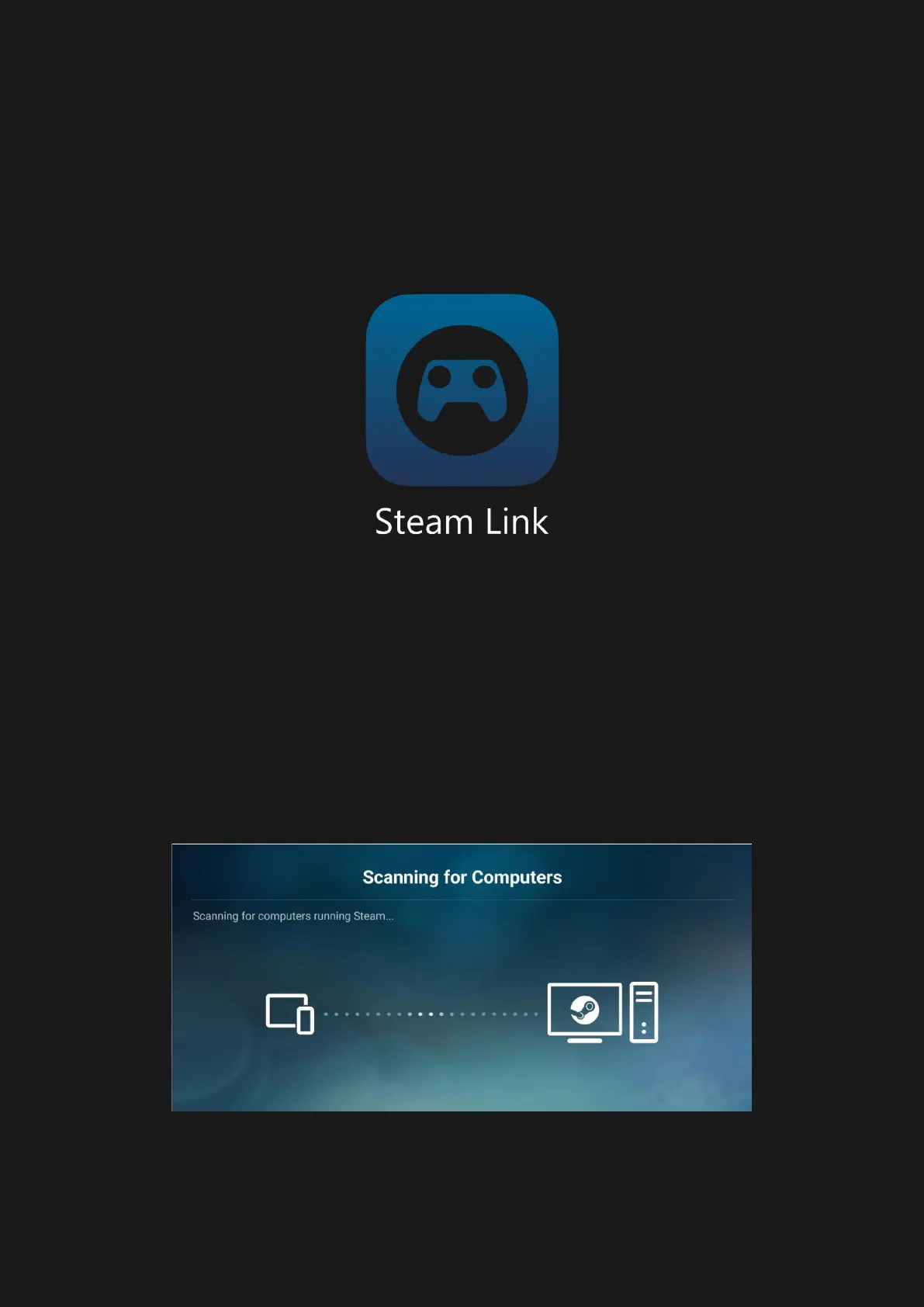
Steam Link
Connect to Steam PC via Serafim S1
1. Pair Serafim S1 with your phone, and
launch Steam Link on the phone
2. Your phone will start searching a nearby
PC with Steam client running in the
background. The Steam Link app will then
generate a PIN for you to enter it on your
PC.



 To Next Page