6
How to use
Serafim S1 mode switching
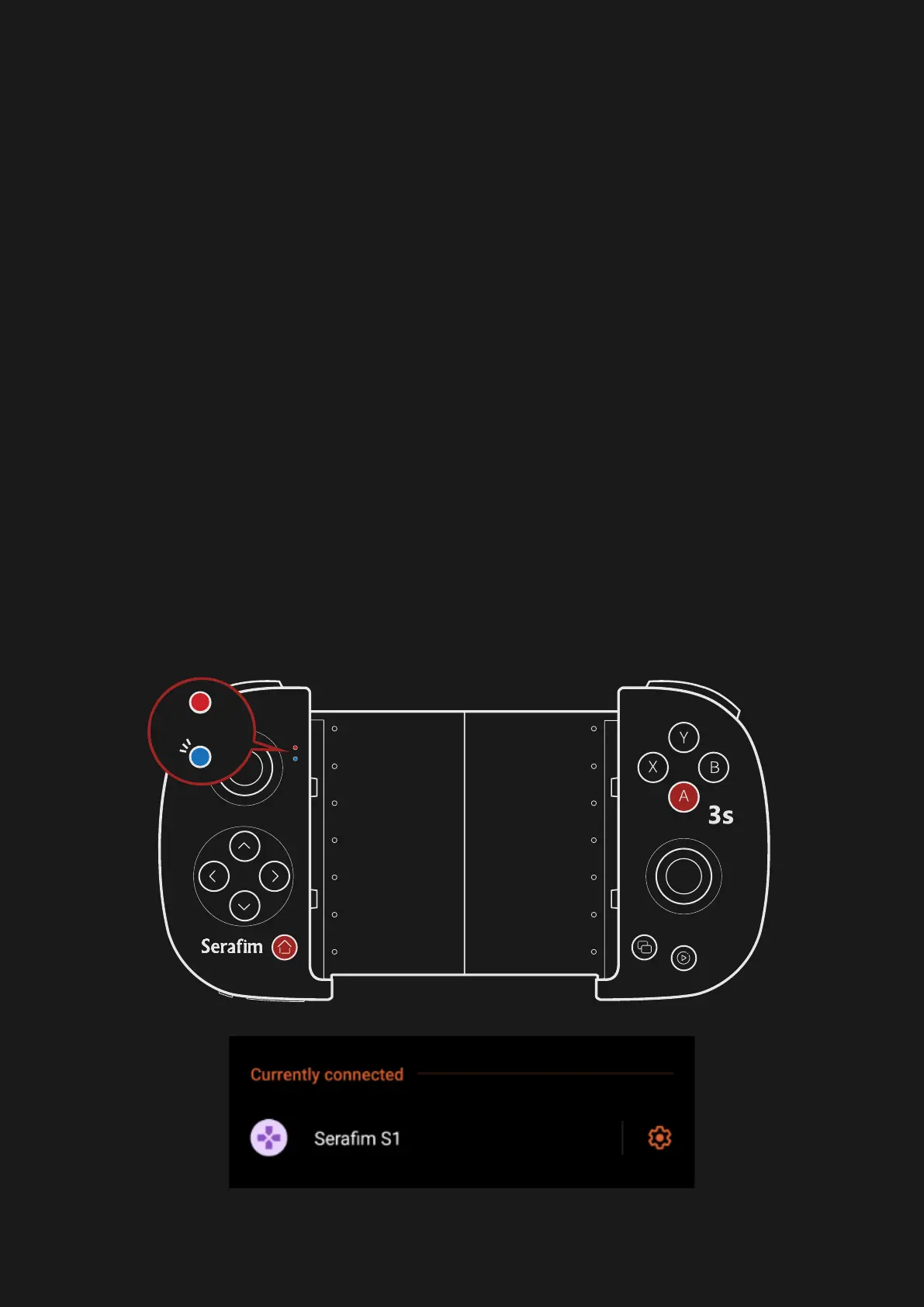
⚫ Android mode
Firstly, press power button located on the
lower left of Serafim S1 to turn it on. Hold
Home + A button for 3 secs for switching to
Android mode. The indicator will turn to blue
and start blinking. Next, open Settings on
phone and pair with Serafim S1 via
Bluetooth. The blinking speed will be slower
when the connection succeeds.



 To Next Page