5
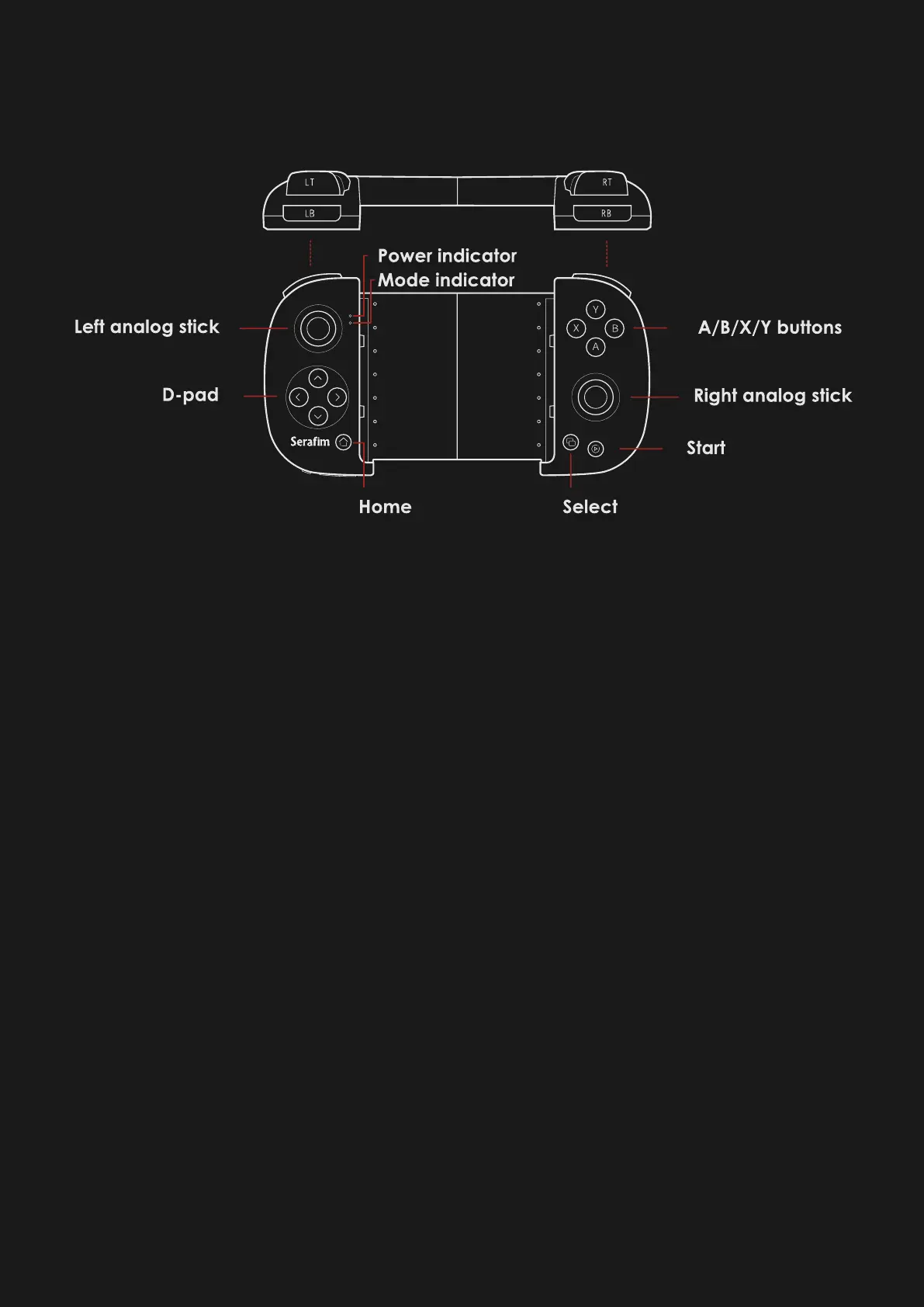
Component names
⚫ Digital ABXY function buttons
⚫ Digital ↑↓←→ arrow buttons
⚫ Digital START, SELECT, HOME buttons
⚫ Left analog stick (LS),press it down for
digital SL button
⚫ Right analog stick (RS),press it down for
SR button
⚫ Digital LB, LT, RB, RT buttons



 To Next Page