31
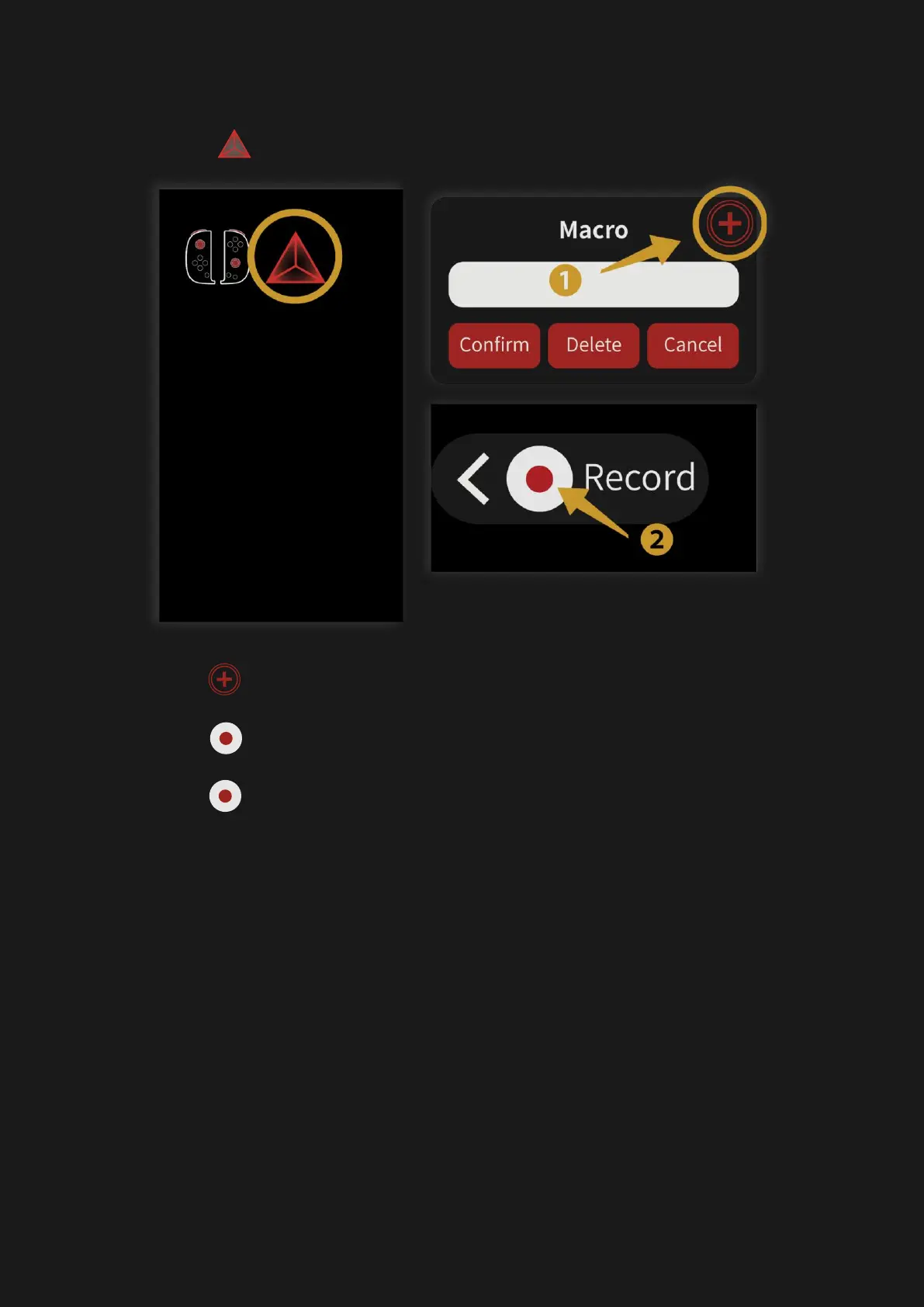
3. Enable button customization overlay and
tap, “ “, the macro icon.
4. Tap ” “ icon to create a new macro
5. Tap “ “ icon to start recording macro
6. Tap “ “ to finish recording
7. There will be a pop-up window for you to
name your previously recorded macro.



 To Next Page