Installation and Setup
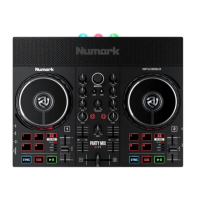
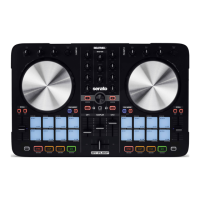
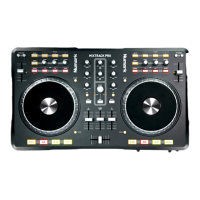
The Numark Mixtrack Pro is a class compliant USB plug and play device and
requires no further driver installation.
NOTE: Please ensure you have the latest available drivers AND rmware updates,
which may be required in order to be compatible with Serato DJ. Please go to
http://serato.com/dj/support
1. Download and install the latest version of Serato DJ from http://serato.com/dj/
downloads
2. Connect your Pioneer DDJ-S1 to an available USB Port.
3. Open Serato DJ.
4. The Mixtrack Pro platters require a few touches by the user in order to calibrate
to their environment. Tap the platters a few times to set their sensitivity.
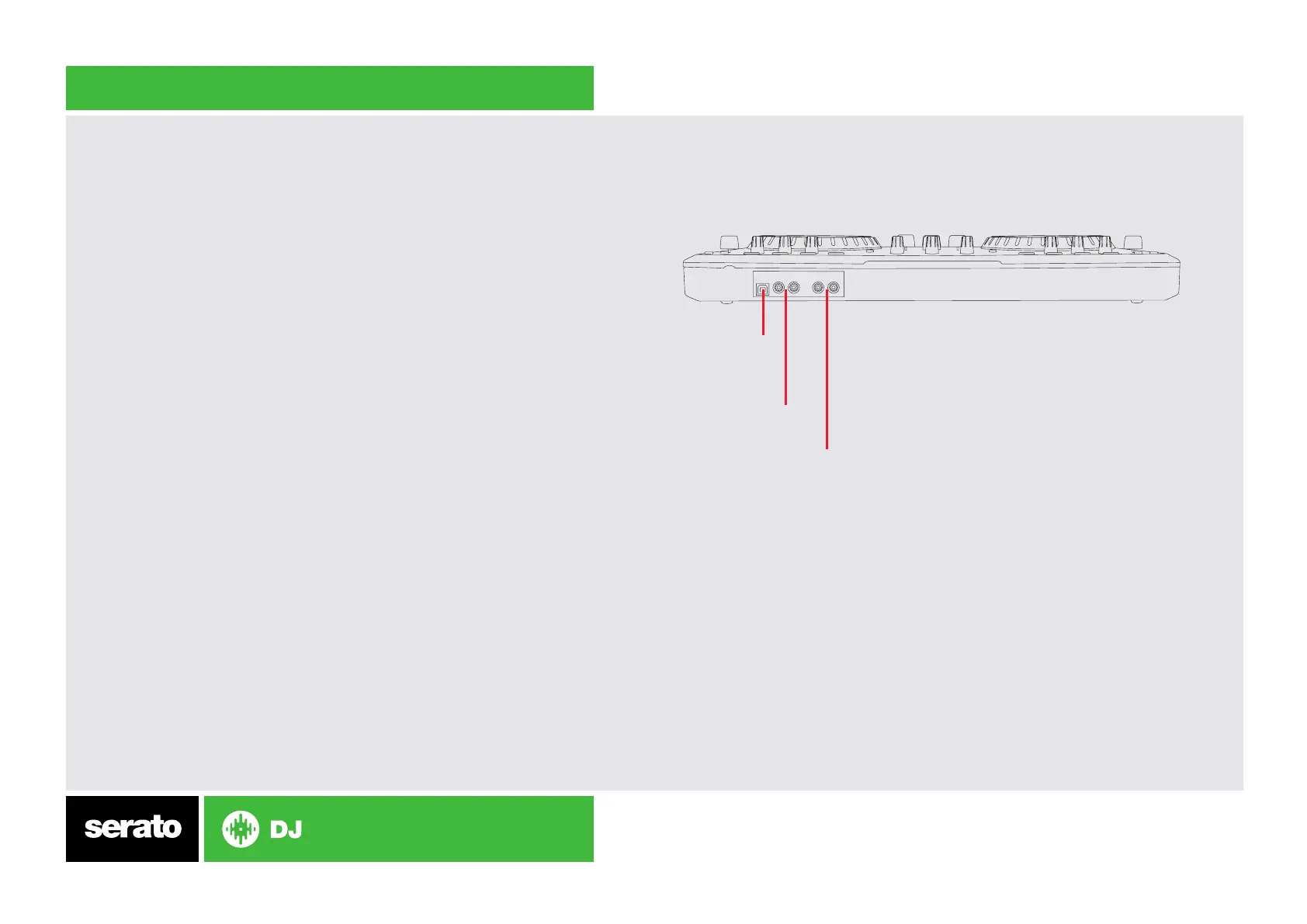
NOTE: You will need to connect your Mixtrack Pro RCA output 1 to your sound
system/speaker setup. Output 2 is an output of the CUE, which you can use for
monitoring.
Serato DJ Activation
To nd out how to activate Serato DJ by either starting your free 14 day trial, or
purchasing a license for Serato DJ, click here for the most up to date information.
Main RCA output.
Connect this to
speakers/stereo setup
Output 2 outputs the cue.
This is useful for
monitoring
Insert USB from
computer here



 To Next Page