3
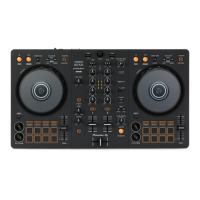
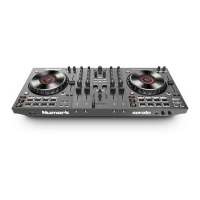
# NS4FX
CONTROL
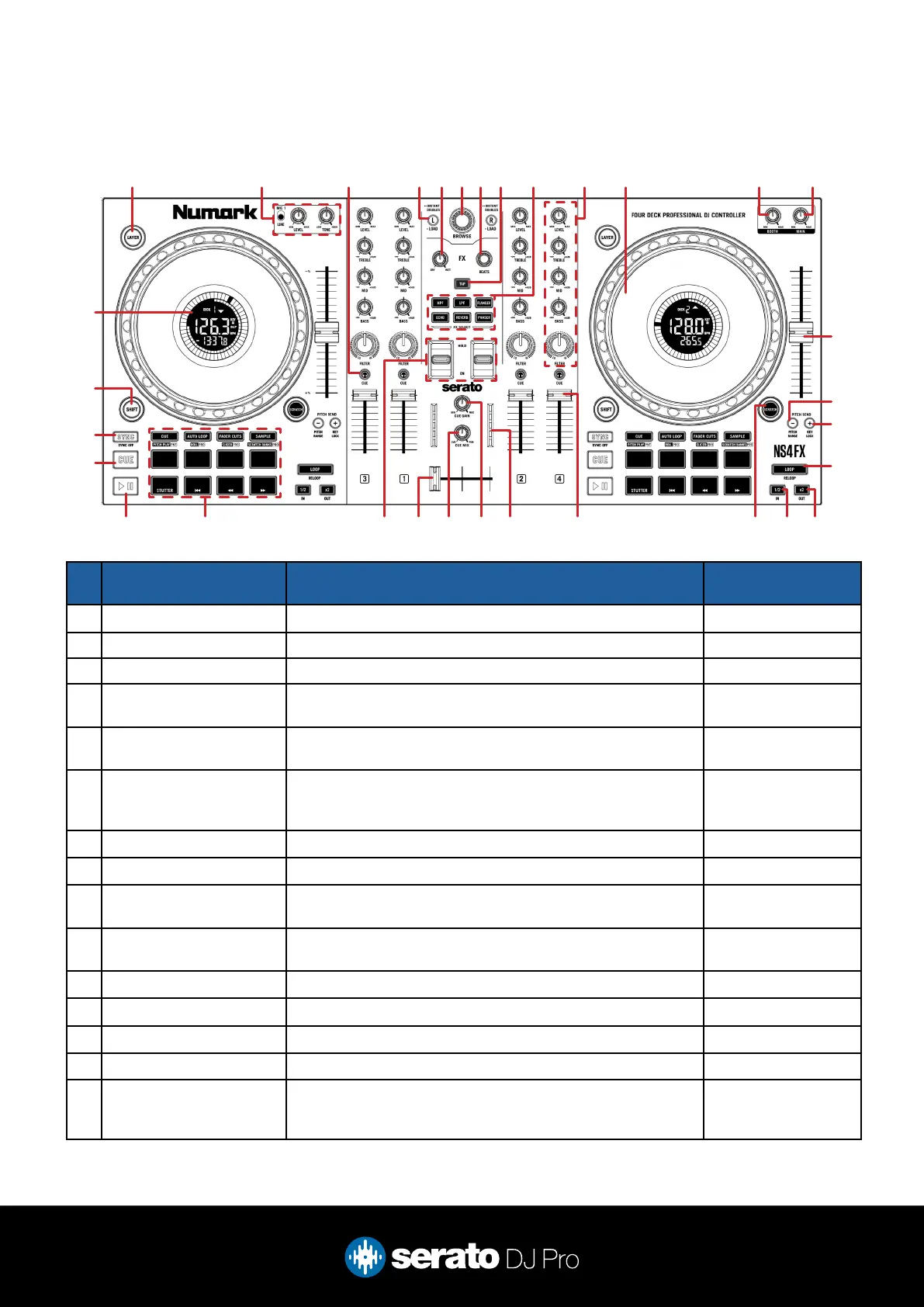
FUNCTION Shift
1 LAYER Toggle between decks 1 or 3, or decks 2 or 4 (per side) -
2 MIC 1 (section) Adjust MIC1 input, level & tone -
3 CHANNEL CUE Press to cue channel for monitoring in headphones -
4 LOAD L/R Load currently highlighted track to left deck, or right deck (per side),
double-press to instant double
-
5 (FX) DRY/WET (Multi FX mode) Effects Parameter 1 (adjust depth) / (Single FX
mode) Effects Depth 1 (adjust)
-
6 BROWSE Turn to scroll library. Press in to toggle forward between track and
crate selection
Turn for fast library
scroll. Press in to add
to Prepare Crate
7 (FX) BEATS Adjust Beats multiplier -
8 (FX) TAP Tap FX Tempo -
9 FX SELECT Effects Slot Select 1 (Single FX mode) Effects Slot Select 1
(Multi FX mode)
10 CHANNEL LEVEL/EQ/
FILTER
Adjust channel level, adjust channel EQ (treble/mid/bass), or adjust
channel combo lter (per channel)
-
11 JOG WHEEL Control the waveform within Serato DJ Pro Platter skip
12 BOOTH Adjust booth output level -
13 MAIN Adjust main output level -
14 TEMPO SLIDER Adjust playback tempo of current loaded track Ignore tempo slider
15 PITCH BEND - Pitch Bend down Press to toggle be-
tween pitch ranges (per
deck)
Overview
1 2 4 6 7 10 11 12 138 93 5
28 27 26 25 24 23 22 18192021
30
32
29
31
15
16
17
14



 To Next Page