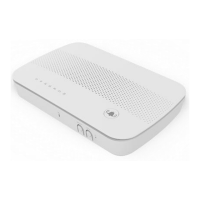
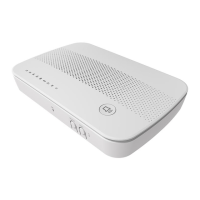
DG4244 User Guide
DG4244 User Gude_rev01 Sercomm copyright
PREPARING FOR INSTALLATION
Verify package contents, coaxial cables, and power outlet.
Unpack the box and confirm the contents of the box.
Verify the power outlet is working and is wired correctly.
Place your cable modem within the proper distance from the
outlet.
INSTALLING THE DG4244
1. Connect the coaxial cable (not supplied) to the Cable connector
on the rear panel of the modem and connect the other end to
the cable wall outlet. Do not bend or over tighten the cables, as
this may strain the connector and cause damage. To connect a
modem and a television to the same wall outlet, you must use
a cable line splitter (not included).
2. Connect the Ethernet cable (supplied) to an Ethernet port on
the back panel of the modem and connect the other end to the
Ethernet port of a PC. Use a Category 5e or Category 6 Ethernet
cable with RJ-45 connectors to ensure Gigabit Ethernet speeds
(if the computer supports it).
3. Connect the power adapter (supplied) to the Power port on the
modem. Connect the other end to a power outlet.
UNDERSTANDING DEVICE CONNECTIONS
REAR PANEL:
LAN: Connect to an Ethernet-enabled device such as a computer,
gaming console or a wireless access point using an RJ45 Ethernet cable.
Cable: Used to connect to the coaxial cable from your Internet service
provider.
Power: Used to connect to the power adapter. Plug the other end into
the outlet.
Reset: Used to factory reset the device settings. Press and hold the
button for greater than 5 seconds to initiate a factory reset.
This device complies with Part 15 of the FCC Rules. Operation is subject to
the following two conditions:
(1) this device may not cause harmful interference, and
(2) this device must accept any interference received, including
interference that may cause undesired operation.
LED BEHAVIOR


 To Next Page
 Loading...