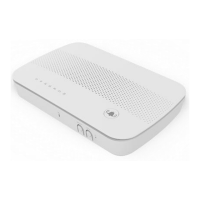
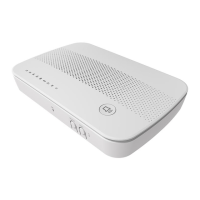
DG4244 User Guide
DG4244 User Gude_rev01 Sercomm copyright
• Establishing Voice connectivity: Flashing between On Green and Off
• Voice operation: On Green
• Establishing IP connectivity: Flashing between On Green and Off
• Normal Operation: On Green
• Device enter standby mode: LED Off
• Pairing: Flashing between On Green and Off
• Pairing complete: LED Off
• Pairing unsuccessful / Device enter standby mode: LED Off
• A WiFi Device is Connected at 2.4G/5G: On Green
• Data is Being Passed Between the modem and the Connected Device: Flashing
Green
• No CPE connected: On Green
• Powering Up: Flashing between On Green and Off
• Normal Operation: On Green
• Battery
• An Ethernet Device is Connected at 1000 Mbps Speeds: On Yellow
• An Ethernet Device is Connected at 10/100 Mbps Speeds: On Green
• Data is Being Passed Between the modem and the Connected Device: Flashing
Green (or Yellow)
• No CPE connected: LED Off
• An Ethernet Device is Connected at 2500 Mbps Speeds: On Yellow
• An Ethernet Device is Connected at 10/100/1000 Mbps Speeds: On Green
• Data is Being Passed Between the modem and the Connected Device: Flashing
Green (or Yellow)
• No CPE connected: LED Off


 To Next Page