
 Need help?
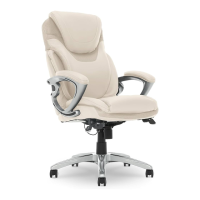
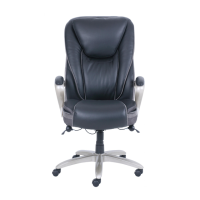
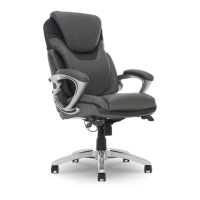
Do you have a question about the Serta Executive Chair and is the answer not in the manual?
Attach casters to the star base and insert the gas lift into the central hole.
Secure the seat plate to the bottom of the seat cushion using screws.
Align and attach the back cushion to the seat cushion with screws.
Fasten the armrests to the sides of the seat and back cushions.
Position the chair upright and connect the seat assembly to the gas lift.
Place plastic caps into arm holes to cover screw heads.
Learn to raise or lower the chair seat using the control lever.
Understand how to lock or unlock the chair's tilt function.
Control the chair's tilt resistance with the tension knob.
 General
| Weight Capacity | 250 lbs |
|---|---|
| Swivel | Yes |
| Wheels | Yes |
| Chair Type | Executive |
| Armrests | Yes |
| Tilt Mechanism | Yes |


 To Next Page