CDHD2
Operator Panel (HMI) 27
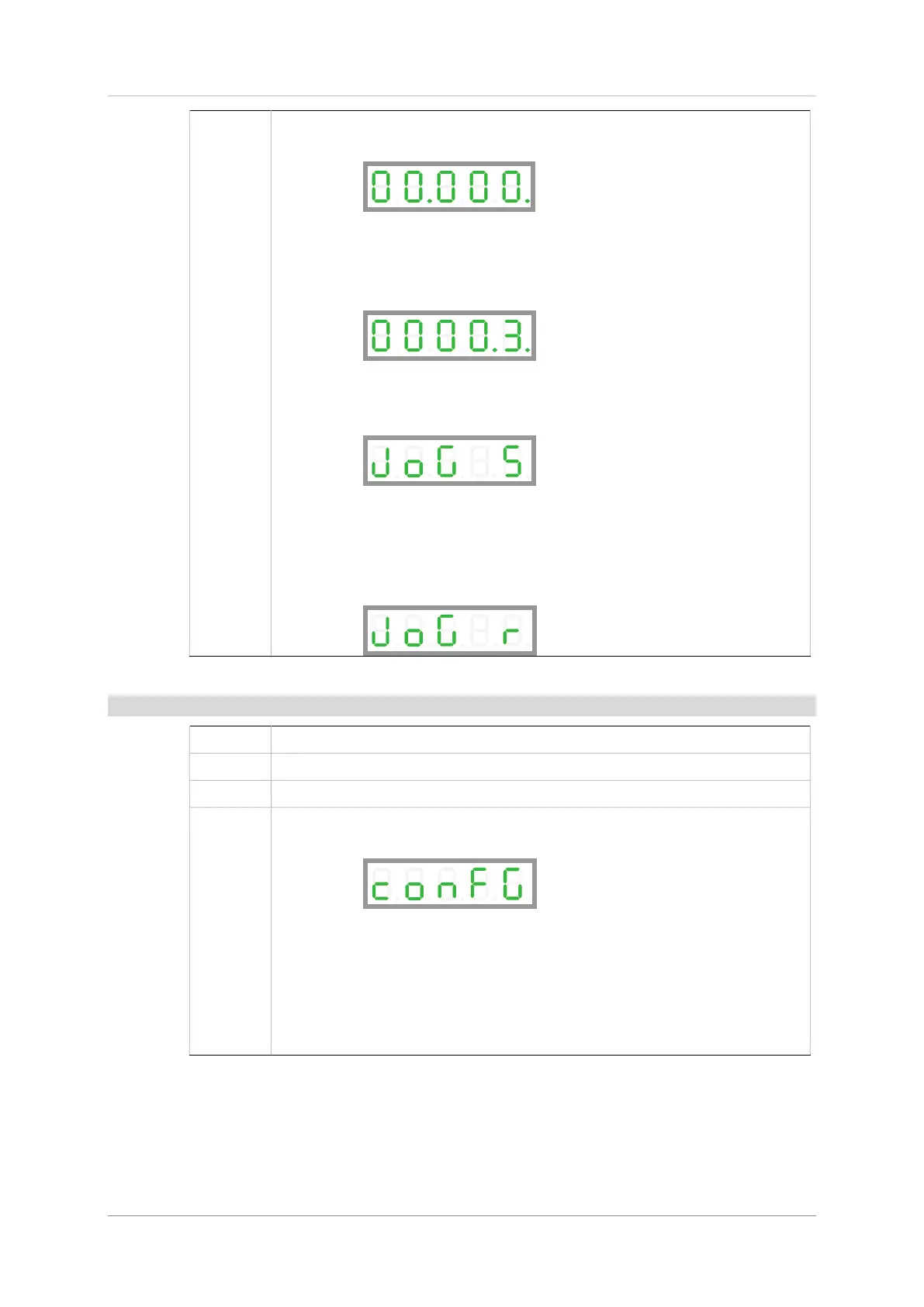
For example, set a speed of 300 rpm
First string = values up to 99.999. Nothing to set.
Press: Shift until you reach the first digit in the second string.
Second string = values up to 9999,9nn.nnn.
Press: Up to reach 3
Press: Long Shift
Display: joG8S (jog motion stopped)
Press and hold Up key move motor at defined speed in positive direction.
Press and hold Down key to move motor at defined speed in negative
direction.
Display: jog8r (rotating, during motion)
Config
Show: confg
Press: Shift
Display: Flashing 0. in digit 1
Press: Long Shift
Done: done (momentarily), and then 00000.


 To Next Page
 Loading...