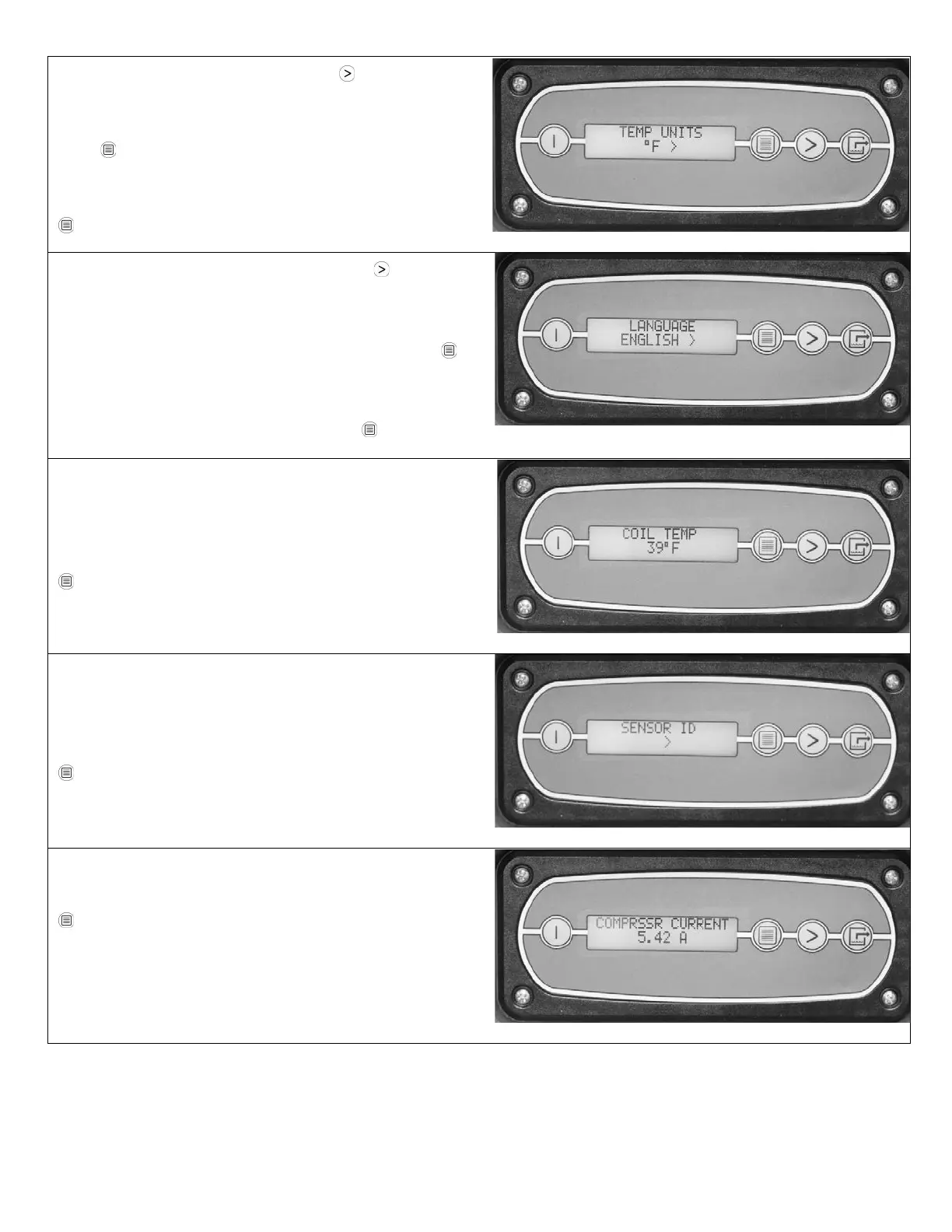
Shows current temperature scale. Press MENU
SELECTON to select Fahrenheit or Centigrade scale.
When the temperature scale you wish to use is displayed,
press
DISPLAY MENU to select it and move to the next
menu item.
To move to the next item in the menu, press
DISPLAY MENU.
Shows current display panel language. Press MENU
SELECTON to select Spanish, German, French or Eng-
lish.
When the language you wish to use is displayed, press
DISPLAY MENU to select it and move to the next menu
item.
To move to the next item in the menu press
DISPLAY
Shows the current cold (evaporator) coil temperature in
the selected temperature scale. This value cannot be
changed.
To move to the next item in the menu, press
DISPLAY MENU.
The SENSOR ID menu item and associated submenus
(SENSOR TYPE, SENSOR CFG REV, and SENSOR
REV) are not used in the Revolution.
To move to the next item in the menu, press
DISPLAY MENU.
Shows compressor current draw in amps.
To move to the next item in the menu, press
DISPLAY MENU.
07-01897D #613 (F413-SP) Warranty 07-00420 8 Dri-Eaz Products, Inc.



 To Next Page