EasyManua.ls Logo

SET 1501 H - User Manual

Default Icon
36 pages
Print Icon
To Next Page IconTo Next Page
Loading...
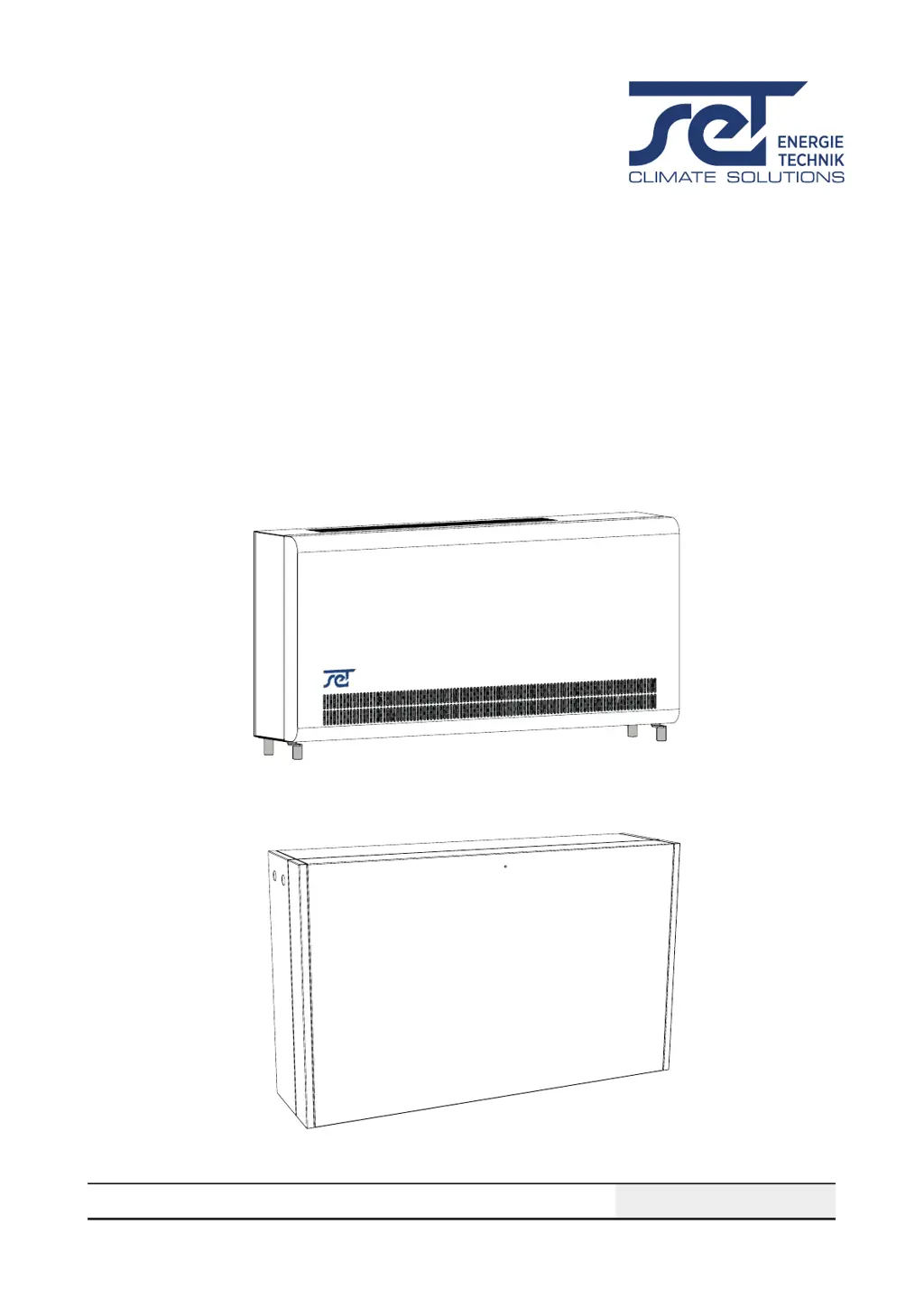
SET 1501 T / 2501 T / 3501 T
SET 1501 H/ 2501 H/ 3501 H
SERVICE MANUAL
en Rev. 1.1 • 2021-W50-1

Other manuals for SET 1501 H

Questions and Answers

  • H
    heatherhillAug 12, 2025
    What to do if my SET 1501 H has power but no function?
    • A
      abbottstevenAug 12, 2025
      If your SET Dehumidifier has 230V connected but isn't functioning, check if the power outlet in the wall is disconnected and restore the power. It could also be due to a blown fuse F1 on the main PCB, in which case you should replace the fuse. Another potential cause is a defective power supply on the main PCB, requiring you to replace the main PCB. Finally, check for any disconnected or loose 230V connections inside the unit according to the wiring diagram.
  • A
    aliciakennedyAug 15, 2025
    Why my SET Dehumidifier has HP fault and can't turn on?
    • C
      Charles PerryAug 16, 2025
      If your SET Dehumidifier displays an HP fault and can’t turn on or shuts down, it might be due to a defective fan, which would require a replacement. Another possibility is a dirty filter, so try cleaning it. Also, a dirty condenser coil could be the cause, so you should clean the coil.
  • P
    peterskaylaAug 19, 2025
    What to do if LP fault occurs on SET 1501 H?
    • B
      Brittany GrayAug 19, 2025
      If your SET Dehumidifier displays an LP fault and won’t turn on or shuts down, it could be due to leaking refrigerant, in which case you should find and repair the leak and refill the refrigerant. Another potential cause is a malfunction of the thermostatic valve, requiring you to replace it. Insufficient refrigerant can also cause this issue, so try refilling the refrigerant.
  • R
    rachelcampbellAug 23, 2025
    How to fix sensor fail on SET 1501 H Dehumidifier?
    • J
      Jason MccannAug 23, 2025
      If the display of your SET Dehumidifier indicates a sensor failure, it is likely due to a defective sensor that needs to be replaced.
  • L
    Lauren ChoiAug 27, 2025
    Why SET Dehumidifier remote control is not working?
    • D
      David DukeAug 27, 2025
      If your SET Dehumidifier isn't connecting to the paired remote control, make sure the remote control is within Bluetooth range. If that doesn't work, try changing the battery of the remote control.
  • D
    Douglas HarperAug 30, 2025
    What does SEnS error mean on SET Dehumidifier?
    • B
      Brenda JamesAug 30, 2025
      If your SET Dehumidifier displays an error message 'SEnS', it indicates a sensor fault that will cause the unit to stop. Press either the Up or Down button to determine which sensor is faulty.
  • B
    brendacollierSep 4, 2025
    What to do when service interval has expired on SET Dehumidifier?
    • A
      Anne BrooksSep 4, 2025
      Carry out a service inspection of the unit and set a new service interval for your SET Dehumidifier.
  • N
    Nathan KimSep 7, 2025
    What to do if SET 1501 H is in remote pairing mode?
    • J
      Jonathan SilvaSep 7, 2025
      Pair your SET Dehumidifier with a remote control.

SET 1501 H Specifications

General IconGeneral
BrandSET
Model1501 H
CategoryDehumidifier
LanguageEnglish

Related product manuals