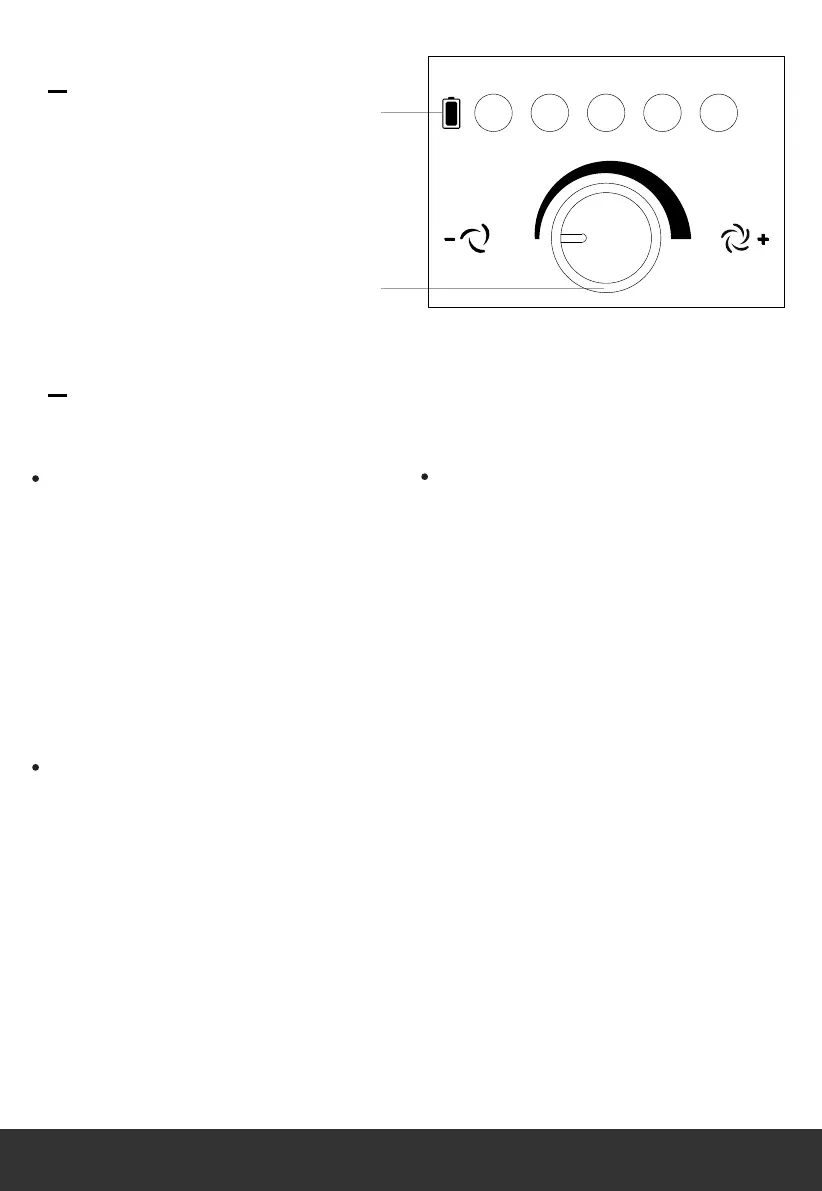
Indicate the remaining battery
charge percentage of the
rechargeable battery. When
fully charged all power
indicator lights will illuminate.
Note, 20% will always show
as red but all other power
indicator lights will show as
blue.
As the battery charge
decreases from 100% to 20%
the power indicator lights will
turn of f in descending order
from right to left. Prior to
descending through each
respective battery charge
percentage the higher battery
charge percentage will blink
briefly indicating that the
battery charge percentage is
about to reduce.
When at 20% the power
indicator light will not blink
prior to reaching 0%. Once
0% is reached the appliance
will turn of f.
Turns the appliance on and
of f which controls the fan
speed.
Note!!The fan speed is
stepless.Multiple fan speed
variables can be adjusted to
meet your specific
requirements.
Control Panel
1.Power indicator lights
2.Fan speed knob
Controls
Power Indicator Lights
Fan Speed Knob
20% 40% 60% 80% 100%
OFF
ON
1
2
7



 To Next Page