2. Temperature Adjustment
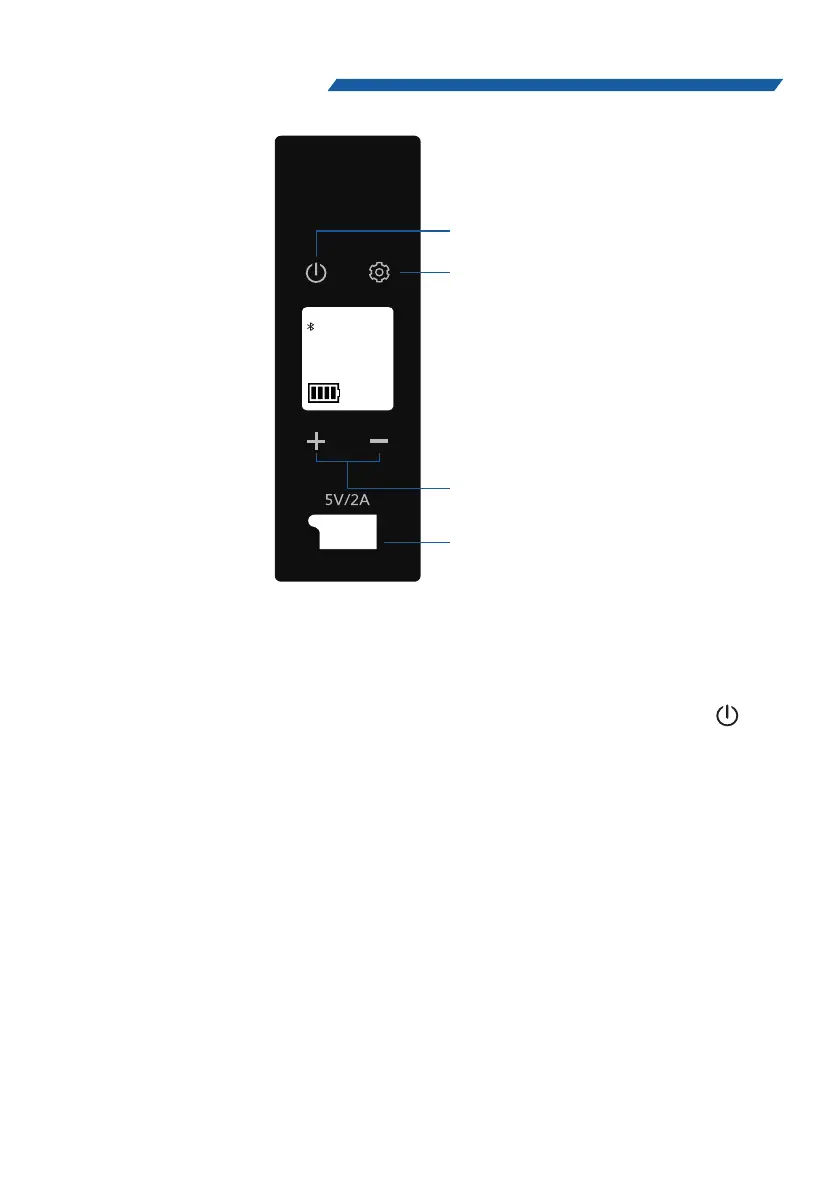
Press corresponding “+” or “–” to adjust the target
temperature, the target value will flash on the gauge.
The temperature will change one degree on every press.
Tips: Holding the button can accelerate the changing
process.
1 Switched-on/off.
With the unit plugged in, long press the Power Button “ ” to
switch on/off the unit.
4.OPERATION
06
888
°C
°F
MA X ECO H M L
88.8 V
The Power Button
Temperature
Adjustment Buttons
The Setting Button
USB


 To Next Page