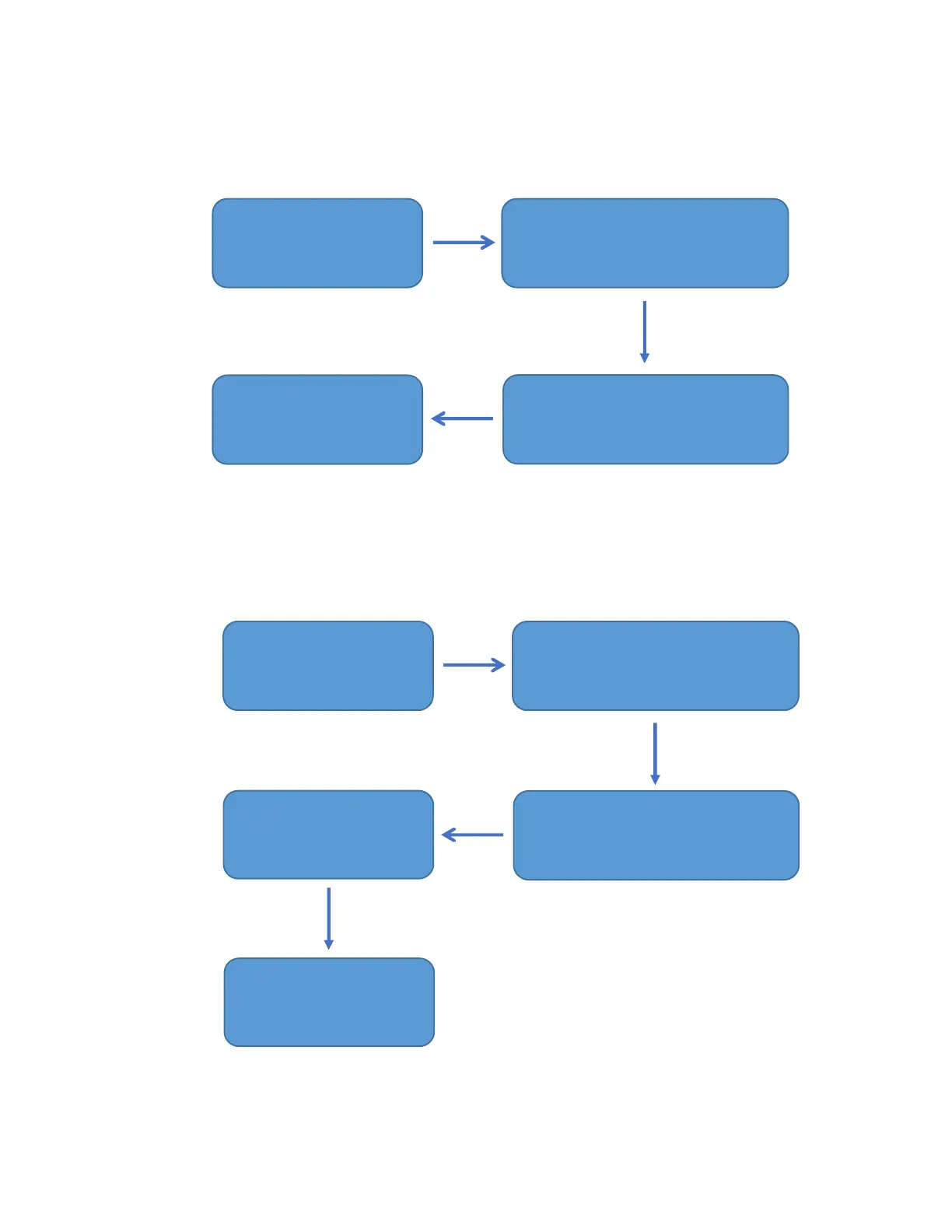
4. Add User (Passcode, SEVENOC RFID Card) Settings
a) Add Passcode
b) Add SEVENOC RFID Card
press “ # “
(enter *85#)
press confirmation key, “ # “
(enter 456789# )
Input Passcode and press “ # “
(enter 147258#)
Enter again Passcode
and press “#”
(enter 147258#)
press “ # “
(enter *85#)
Input administrator Passcode and
press confirmation key, “ # “
(enter 456789# )
Place SEVENOC RFID Card
against the Card Reader Sensor
on the Digital Lock
Sound “BEEP” for three
times
Operation successful



 To Next Page