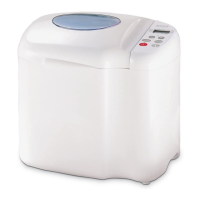
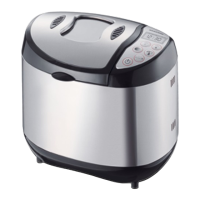
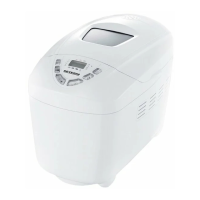
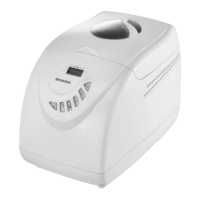
Control panel
A LED display
The LED display shows the programme running time and, for 2 seconds, the programme
number as well as the browning control setting of the currently active programme. An
active programme is indicated by the continuously flashing colon in the time display.
Example:
In this case, the programme for QUICK has been selected via the button. The
display shows for approx. 2 seconds: 2 P for Programme 2, (QUICK), and browning
control setting P (MEDIUM), followed by the programme running time: 2: 20 (i.e., the
total programme running time is 2 hours and 20 minutes.
B Programme indicator display
The selected programme is indicated by an LED display.
C Menu
The menu allows for 8 different programmes to be selected:
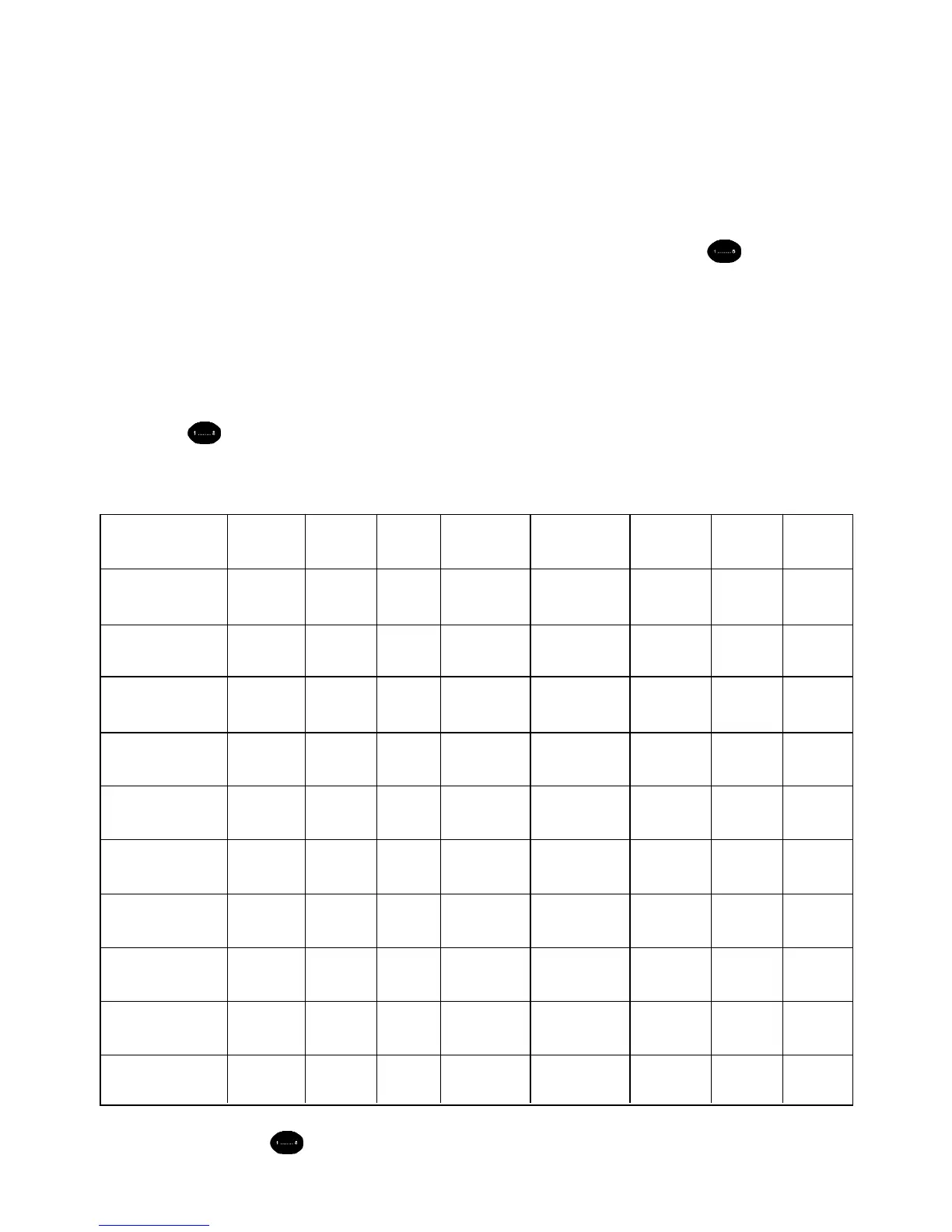
MENU 1 2 3 4 5 6 7 8
Standard Quick Cakes White bread Biscuits, pastry Wholemeal Dough Baking
1st kneading 10 min. 10 min. 10 min. 18 min. 14 min. 10 min. 20 min. _
phase
1st rising 20 min. 5 min. 5 min. 40 min. _ 25 min. _ _
phase
2nd kneading 15 min. 15 min. 20 min. 22 min. _ 20 min. _ _
phase
2nd rising 20 min. _ 30 min. 20 min. _ 30 min. 20 min. _
phase
Shaping (gas 30 sec. _ 30 sec. 30 sec. _ 30 sec. 30 sec. _
extraction)
Last rising 55 min. 55 min. 55 min. 65 min. 41 min. 70 min. 50 min. _
phase
Baking 60 min. 55 min. 50 min. 65 min. 55 min. 65 min. _ 60 min.
Programme 3:00 2:20 2:50 3:50 1:50 3:40 1:30 1:00
running time
Acoustic signal for after after after after
adding ingredients 40 min. 25 min. _ 75 min. _ 50 min _ _
Display during 2:20 1:55 _ 2:35 _ 2:50 _ _
acoustic signal
Keep pressing the key until the required programme is shown in the programme
indicator display (B) and in the LED display (A).
18



 To Next Page