20
142 x 208 mm
Number of acoustic
signals
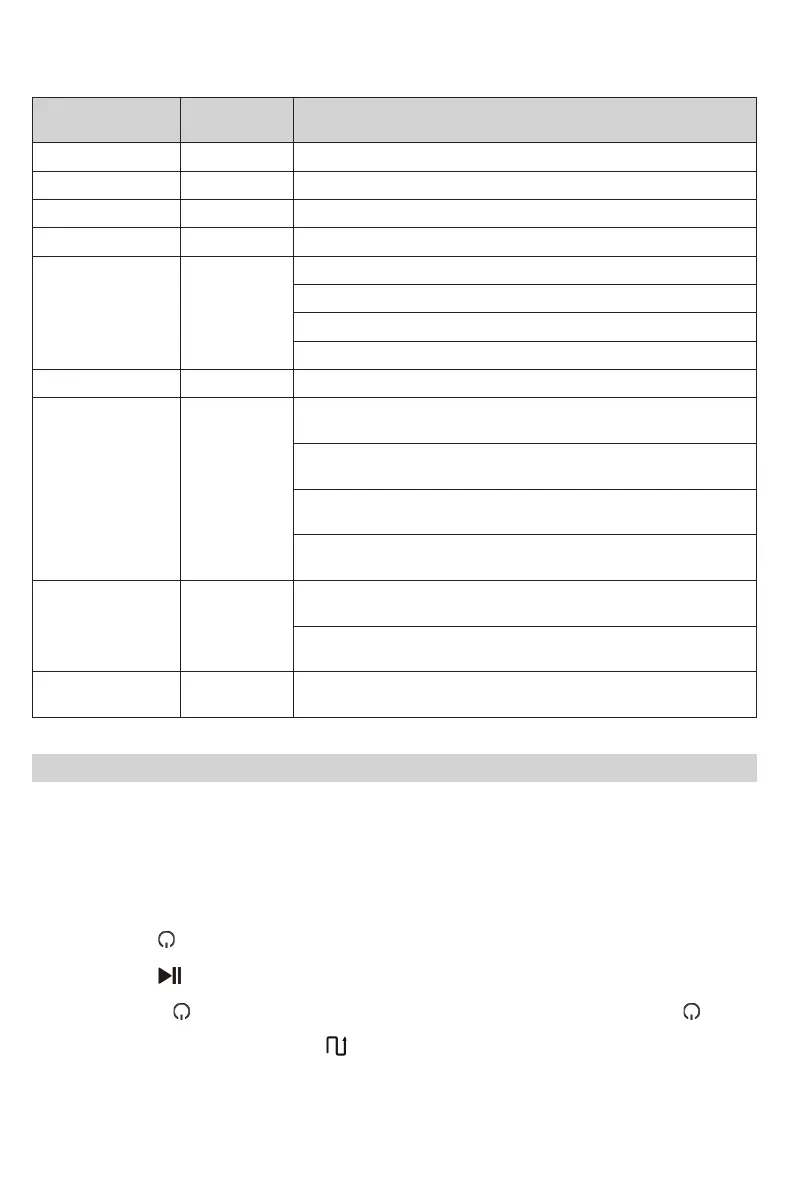
Light ring Description
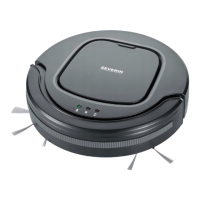
- off The appliance is switched off (Off mode) or in Sleep mode.
- ashes white Appliance is returning to the station.
ashes slowly Battery charging (Charging mode)
- lights up white Appliance is cleaning or in standby mode
1 ashes orange
Dust container has been removed.
Dust container must be reinserted.
Battery charge too low. Appliance returns to the charging station.
Battery charge too low. Wait until the battery is charged.
1 - Appliance has been sent to the charging station and has reached the station.
2 ashes orange
Brush roller is dirty.
Clean the brush roller.
Round brushes are dirty.
Clean the round brushes.
Foreign objects/dirt on the right or left drive wheel.
Clean the drive wheels.
Filter unit is dirty.
Clean the lter unit.
3 ashes orange
Appliance is entangled.
Remove obstacles and free the appliance.
Sensors are dirty.
Clean the sensors.
4 ashes orange
Battery charge too low.
Carry the appliance to the charging station.
Cleaning a room
Prepare the room as follows:
∙ Clear away loose objects that the appliance may push in front of itself.
∙ Clear away cables, curtains and anything that could get entangled in the brushes.
∙ Clear away fragile objects or those that can easily tip over.
Switch on the appliance as follows:
∙ In Charge/Standby/Sleep mode:
∙ Briey press the button on the appliance.
Or
∙ Briey press the button on the remote control.
∙ In Off mode:
∙ Press and hold the button on the appliance for 3 seconds to enter standby mode. Then briey press the button
again.
∙ The appliance now cleans the room zigzagging .
∙ The appliance cleans for a maximum of 90 minutes until the room is cleaned or the battery charge is too low. The
appliance returns to the station.
∙ When the battery is completely empty, the appliance stops and must be carried to the station.


 To Next Page