
 Need help?
Do you have a question about the SEWOO SLK-T21EB Series and is the answer not in the manual?
Details the items included in the printer box and instructions for checking for damage or missing parts.
Explains how to connect the necessary cables for printer operation to the connector panel.
Provides pinout details for Serial, USB, and Ethernet interface connectors on the printer.
Details the 6-pin RJ-11 connector for cash drawers and its power supply capabilities.
Step-by-step guide on how to properly load roll paper into the printer, including paper direction and core removal.
Instructions on how to adjust the paper guide to match the width of the paper roll for optimal printing.
Describes the printer's control panel, including the button functions and indicator lights for status monitoring.
Explains the meaning of different status indicators (Power, Error, Paper) and their corresponding states and remarks.
Details how to change font mapping settings within the ECO Mode menu, allowing selection between FONT A and FONT B.
Covers paper saving options within ECO Mode, including adjustments for line space, line feed, and barcode height.
Explains how to adjust print density in ECO Mode to save power consumption.
Describes how to select the baud rate (BPS) for communication, allowing the printer to store the setting.
Details the options for setting the cutter mode, allowing selection between partial or full cuts.
Explains how to enable or disable the error beep function, which alerts the user to conditions like open cover or no paper.
Covers the melody settings for cash drawer activation or external buzzer, including melody options and type selection.
Specific instructions for cleaning linerless printers, focusing on the paper PASS part, cutter blade, head, roller, and sensor.
Lists recommended paper manufacturers for optimal performance and to avoid print quality issues or damage.

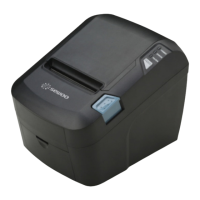

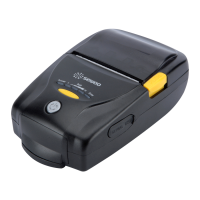
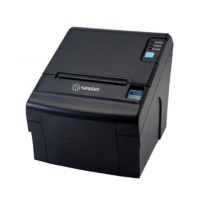

 To Next Page
 General