
 Need help?
Do you have a question about the SEWOO SLK-T32EB II and is the answer not in the manual?
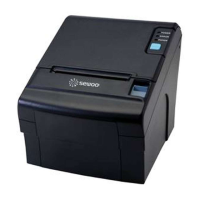
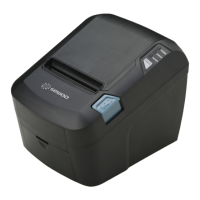
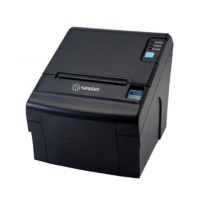
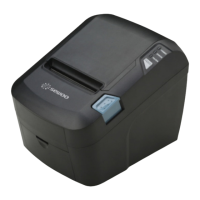
Features LED indicators to indicate printer status and switches to operate the printer.
Pull down this lever to open the printer cover.
Open this cover to load or replace paper.
Used to turn on/off power to the printer.
Lists the items included in the printer box and provides instructions for checking them.
Explains how to connect interface cables to the printer's rear connector panel.
Details the pin configurations for 9-pin serial and USB connectors.
Describes the 6-pin RJ-11 connector used for cash drawers.
Step-by-step guide for correctly loading thermal receipt paper rolls into the printer.
Instructions for adjusting the paper guide to fit the paper width for optimal printing.
How to use control panel buttons for paper feeding and printer operations.
Explanation of LED indicator lights and their meanings for printer status.
Customizing font mapping (A/B) within the ECO mode for paper and power saving.
Adjusting line space, line feed, and barcode height for paper saving.
Modifying print density levels to reduce power consumption.
Options for configuring the printer's communication speed (BPS).
Choosing between partial cut and full cut modes for the printer's cutter.
Configuring the audible error beep function for printer alerts.
Settings for melody playback via DK Port, melody box, or external buzzer.
Guidelines to prevent motor overheating during continuous printer operation.



 To Next Page
 General