
 Need help?
Do you have a question about the SEWOO SLK-TL20 Series and is the answer not in the manual?
Lists items included in the printer box and advises contacting the dealer if any are damaged or missing.
Explains how to connect required cables to the printer's connector panel on the back.
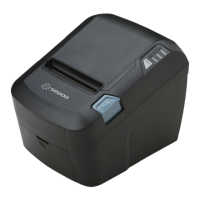
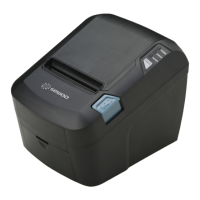
Details the printer's control panel, including the button and indicator lights for status monitoring.
Explains the patterns signaled by the three LED indicators on the printer's top cover.
Prints a test page constructed with ASCII code to check printer functionality.
Allows selection of the printer's serial interface baud rate (BPS).
Displays data received by the printer in hexadecimal format for troubleshooting.
Details key general specifications like printing method, speed, dot density, and paper handling.
Provides specifications for the auto cutter, including cutting frequency, paper thickness, and cutter life.
Outlines input voltage, current consumption, and power connector details.
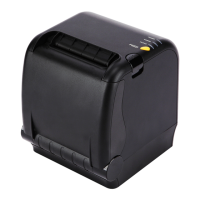
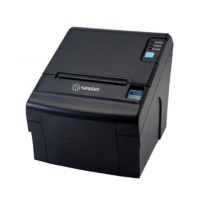




 To Next Page
 General