Need help?
Do you have a question about the SEWOO LK-P12 and is the answer not in the manual?
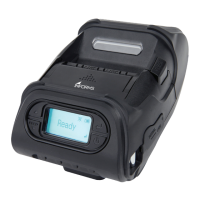
Explains the printer's display buttons and their functions.
Guides on how to insert and replace the printer's battery.
Illustrates the procedure for removing the printer's battery.
Details the steps for charging the printer's battery using the charger.
Explains how to use the optional car charger with the printer.
Describes the process of attaching and securing the belt clip to the printer.
Provides instructions on how to load and install a roll of paper into the printer.
Explains how to operate the printer in Peel Mode and Non-Peel Mode.
Details how to attach the optional shoulder strap to the printer.
Guides on performing a diagnostic test to check the printer's status.
Explains how to connect the printer to devices via Bluetooth.
Describes the process of connecting the printer to devices using Wi-Fi.
Details how to connect the printer to a device using a USB or Serial cable.
Provides instructions on cleaning the printer's print head using an alcohol solution.
Explains how to clean the printer's platen roller with isopropyl alcohol.


 To Next Page


 General