11
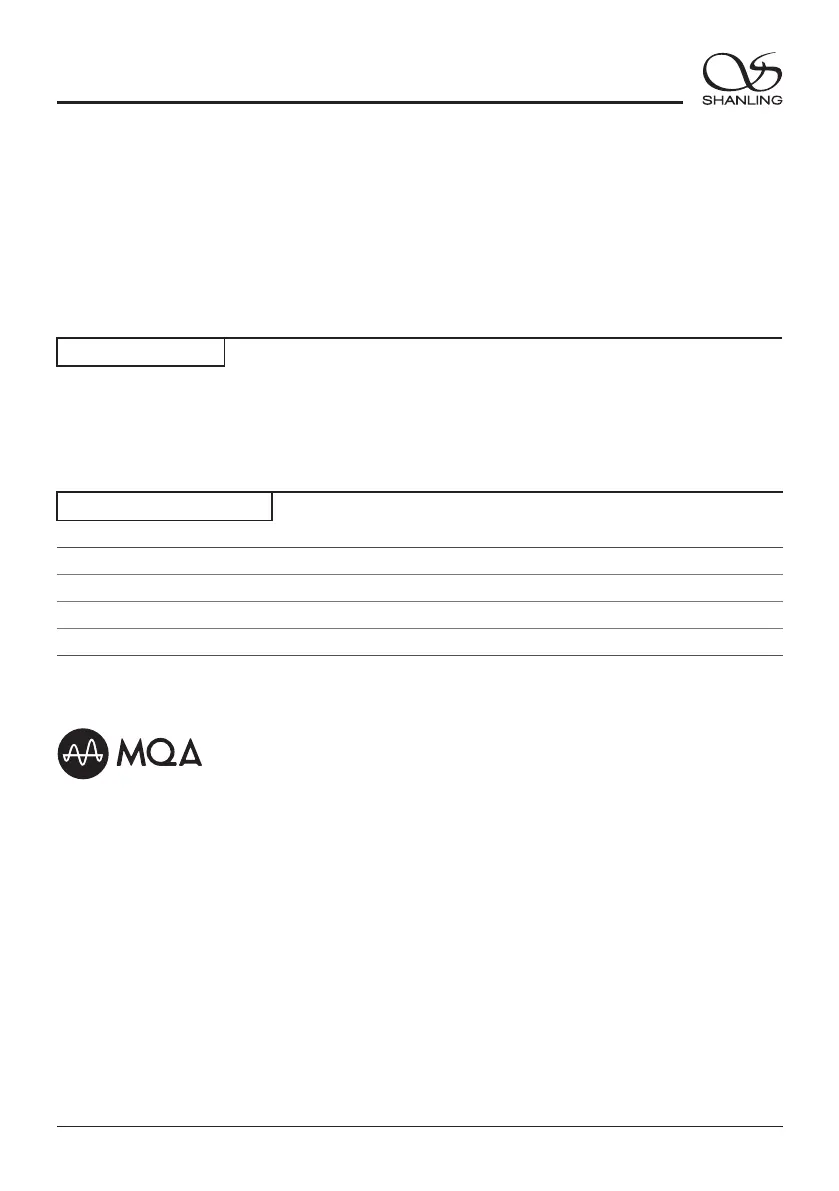
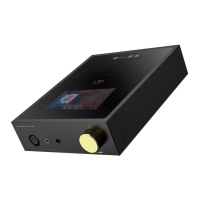
EM7
Streaming Music Centre
Attached Accessories
Companion APP
Eddict Player app allows access to additional settings and control over EM7. You can download it
from Play store or Apple Store.
Quick start guide: 1
Warranty card: 1
Power cable: 1
USB cable: 1
Micro SD Card Update
2. Go to - Firmware Update - Local Update", choose the path to firmware file and click
update.
"Settings
1. Please download firmware update from Shanling's official website. Copy the latest firmware file
onto the Micro SD card.
MQA (Master Quality Authenticated) is an award-winning British technology that delivers the sound of
the original master recording. The master MQA file is fully authenticated and is small enough to
stream or download.
The EM7 includes MQA technology, which enables you to play back MQA audio files and streams,
delivering the sound of the original master recording. The EM7 Now playing screen shows green or
blue light next to MQA logo to indicate that the unit is decoding and playing an MQA stream or file,
and denotes provenance to ensure that the sound is identical to that of the source material. It shows
blue light to indicate it is playing an MQA Studio file, which has either been approved in the studio by
the artist/producer or has been verified by the copyright owner. While in the USB DAC mode it shows
magenta to indicate that the unit is rendering an MQA stream or file. This delivers the final unfold of
the MQA file.
Visit mqa.co.uk for more information.
MQA and the Sound Wave Device are registered trade marks of MQA Limited © 2016


 To Next Page