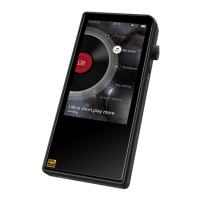
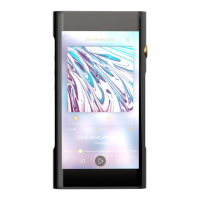
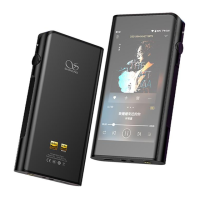
Headphone Output Interface
The interface is a standard 3.5mm headphone jack.
Balanced Headphone Output Interface
The interface is a standard 2.5mm, balanced headphone jack.4.4mm
Firmware Update
1. When updating the firmware, please make sure that M6 is fully charged.
2. Do not do operate the player during the update process.
Over-the-Air Update
TF Card Update
2. Open the TF card cover, insert the TF card into the card slot in the
indicated direction and press it gently until it locks inside. Press again
to remove the card.
TF Card Port
1. The port is only for the standard TF card(Micro SD) and supports a
capacity up to 2TB.
While connected to local Wi-Fi network, device will automatically check
for new firmware update. To check for new firmware manually, go to
menu "Technical Support - Firmware Update - Online Update" and click
on "Check for Update".
1. Please download firmware update from Shanling's official website.
Unzip all the files and copy latest firmware file into root directory of
Micro SD card.
2. Go to "Technical Support - Firmware Update - Local Update", choose
the path to firmware file and click update.


 To Next Page