EasyManua.ls Logo

Shannon HRK 65 - User Manual

Default Icon
26 pages
Print Icon
To Next Page IconTo Next Page
Loading...
User’s Guide
English
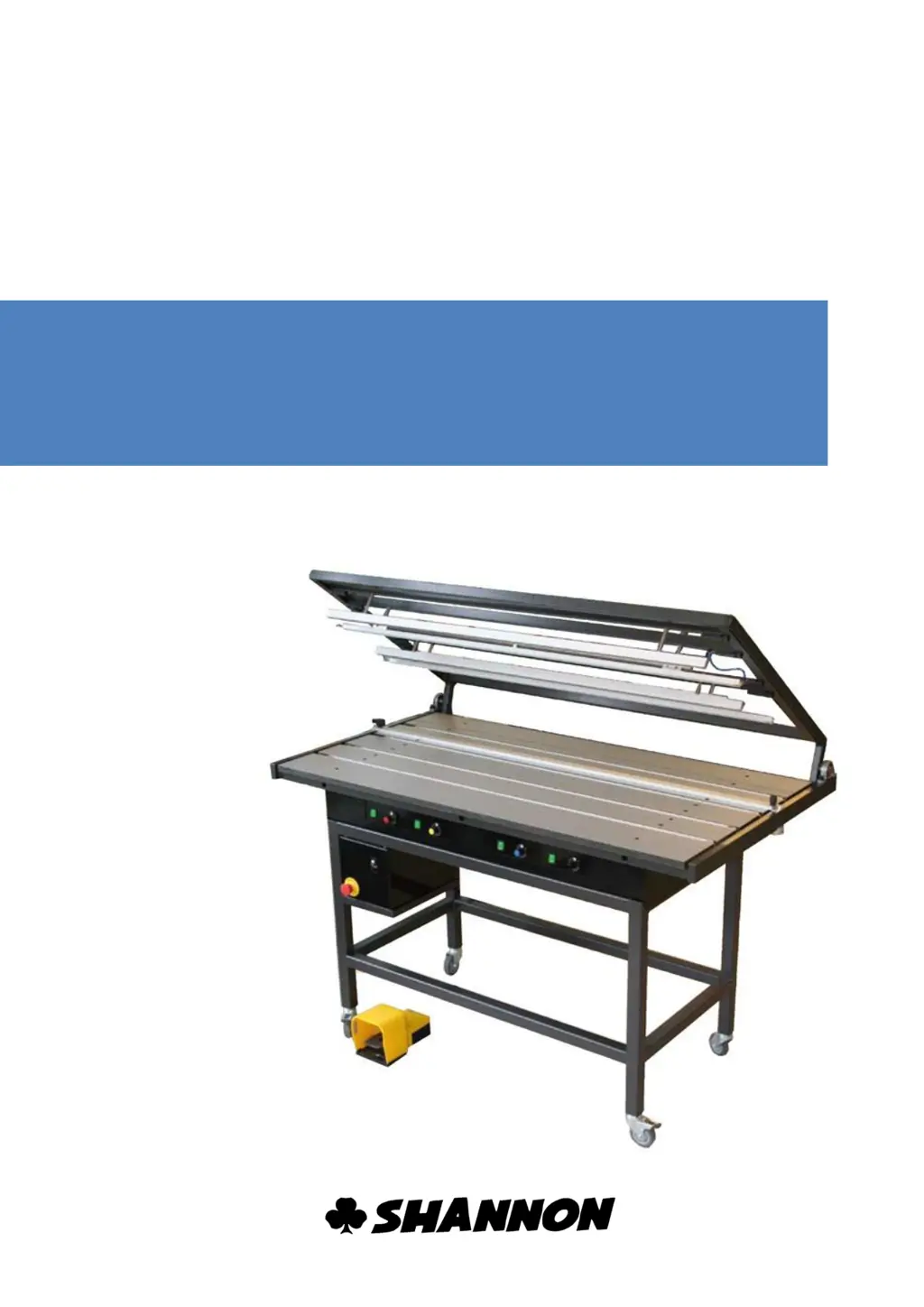
Plastic bending machine
HRK 65-125

Questions and Answers

  • L
    lesliemcmillanAug 11, 2025
    What to do if the Shannon HRK 65 Cutter display is empty?
    • A
      Allen HoltAug 11, 2025
      If the display on your Shannon Cutter is empty, the most likely cause is a lack of power. Here's what you should do: first, alert a maintenance engineer. Then, check the fuse. Also, inspect the power supply cable. If these steps don't resolve the issue, contact the supplier.
  • S
    Sandra SmithAug 22, 2025
    What to do if Shannon HRK 65 shows error E2?
    • S
      Sally RobertsonAug 22, 2025
      If the Shannon Cutter shows error code E2, it indicates a loose wire or spark detection issue. To resolve this, check the filament connection, check the filament, and reset the machine. You can also reset this fault using the arrow down button.
  • T
    Tina RuizAug 31, 2025
    What to do if Shannon HRK 65 shows error E1?
    • H
      hartheatherAug 31, 2025
      If your Shannon Cutter displays error code E1, it means the wire is loose. You should turn off the machine, check the filament, and then reset it. Note that this fault cannot be detected between the values 00 and 04.

Shannon HRK 65 Specifications

General IconGeneral
BrandShannon
ModelHRK 65
CategoryCutter
LanguageEnglish

Related product manuals