EasyManua.ls Logo

Shannon HRP/D - User Manual

Default Icon
53 pages
Print Icon
To Next Page IconTo Next Page
Loading...
User’s Guide
English
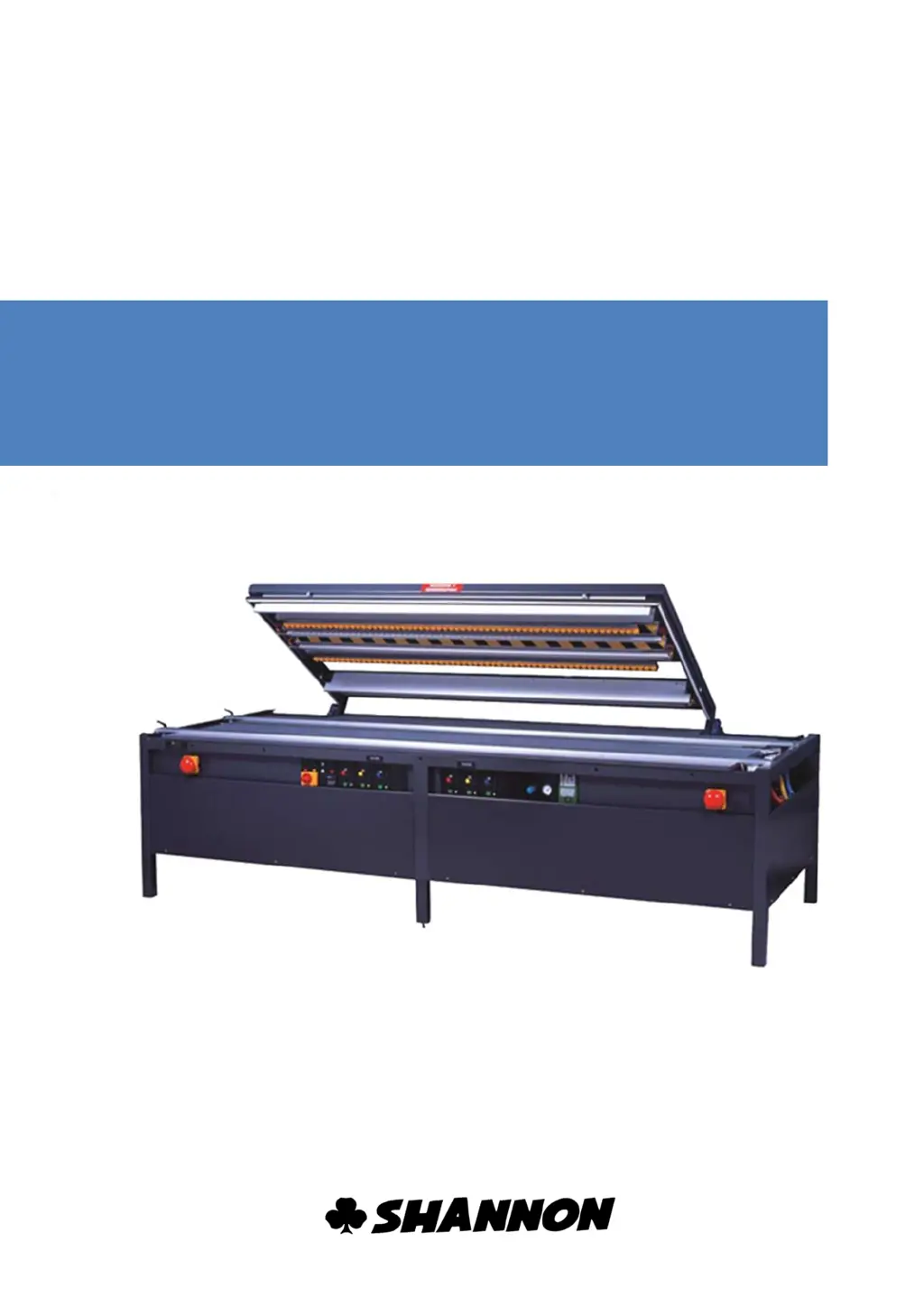
Plastic bending machine
HRP/D

Questions and Answers

  • D
    Daniel VaughnAug 11, 2025
    What to do if the Shannon HRP/D Cutter display is empty?
    • S
      Shawn LopezAug 11, 2025
      If the display on your Shannon Cutter is empty, the most likely cause is a lack of power. Here's what you should do: first, alert a maintenance engineer. Then, check the fuse. Also, inspect the power supply cable. If these steps don't resolve the issue, contact the supplier.
  • A
    Austin RhodesAug 21, 2025
    What to do if Shannon HRP/D Cutter shows error E2?
    • C
      Christopher HuntAug 21, 2025
      If the Shannon Cutter shows error code E2, it indicates a loose wire or spark detection issue. To resolve this, check the filament connection, check the filament, and reset the machine. You can also reset this fault using the arrow down button.
  • C
    Christy GonzalesAug 31, 2025
    What to do if Shannon HRP/D shows error E1?
    • E
      Edgar CarterAug 31, 2025
      If your Shannon Cutter displays error code E1, it means the wire is loose. You should turn off the machine, check the filament, and then reset it. Note that this fault cannot be detected between the values 00 and 04.

Summary

Technical Data

Safety Instructions

Safety Devices

Emergency Top Switch

Details the function and use of the emergency top switch.

Emergency Stop

Explains the emergency stop button and its applications.

Air Pressure Monitoring

Describes the air pressure monitoring system and its function.

Installation

Connecting Compressed Air

Steps for connecting the machine to a compressed air supply.

Connecting Power Cable

Procedure for connecting the machine's power cable.

Operation

Setting the Temperature

Guide to setting filament temperature using the regulator.

Trouble Shooting

Lists common errors, their causes, and solutions.

Adjustment

Alterations

Lower Heating Element

Detailed steps for removing the lower heating element.

Installation;Replacement

Procedure for installing or replacing the lower heating element.

Upper Heating Element and Pressure Bar

Steps for removing the upper heating element and pressure bar.

Maintenance

Trouble shooting

Installation and Removal of Units

Control Unit

Steps for removing the control unit from the machine.

Installation

Procedure for installing the control unit.

Tensioning and Changing Filament

Tensioning

Detailed steps for tensioning the machine's filament.

Changing

Procedure for changing the machine's filament.

Fuse

Safety Measures

Safety precautions before replacing a fuse.

Control Unit Fuse

Steps for accessing and replacing the control unit fuse.

Shannon HRP/D Specifications

General IconGeneral
BrandShannon
ModelHRP/D
CategoryCutter
LanguageEnglish

Related product manuals