EasyManua.ls Logo

Shark EP600 - User Manual

Shark EP600
6 pages
Print Icon
To Next Page IconTo Next Page
Loading...
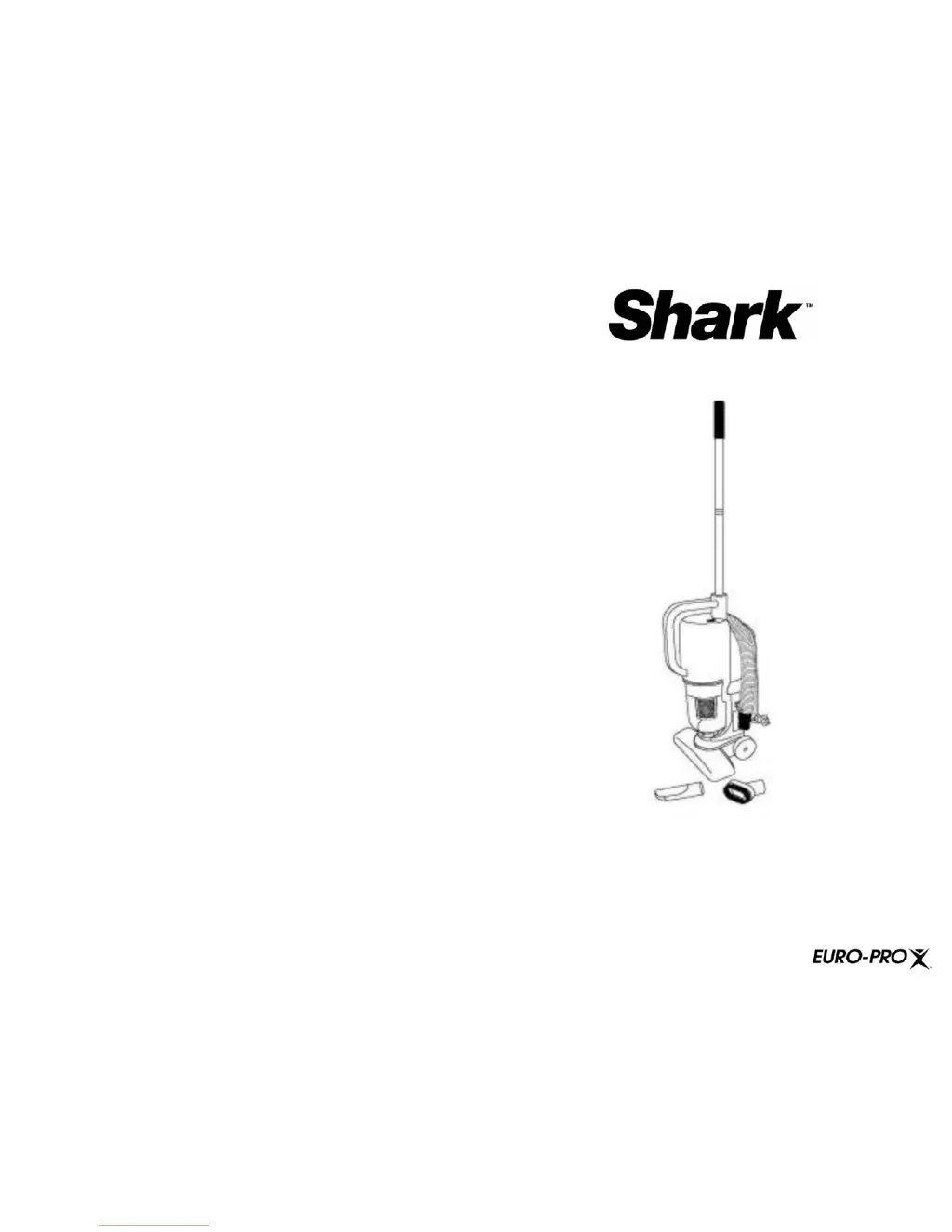
Turbo Stick Vac
For information or assistance:
EURO-PRO Operating LLC
94 Main Mill Street, Door 16
Plattsburgh, NY 12901
Tel.:
1 866 98SHARK (74275)
www.sharkvac.com
OWNER’S MANUAL
Model EP600
120V., 60Hz., 7.5 Amps.

Questions and Answers

  • D
    Dr. Jennifer Cantrell MDJul 30, 2025
    Why is my Shark Vacuum Cleaner not picking up or has weak suction?
    • C
      Charles TurnerJul 30, 2025
      If your Shark Vacuum Cleaner isn't picking up debris or the suction power seems weak, there are several potential causes. First, the dust cup might be full, so you should empty and clean it. Also, the unit could be clogged; turn it off, unplug it, remove the Dust Cup Filter, and check for any obstructions in the air duct. Another possibility is that the HEPA-Type Filter needs cleaning or replacing. Finally, the debris screen might need cleaning.
  • G
    Gregory YoungAug 7, 2025
    How to fix a Shark Vacuum Cleaner that won't turn on?
    • M
      morgan56Aug 7, 2025
      If your Shark Vacuum Cleaner won't operate, start by ensuring the power cord is firmly plugged into the outlet. Also, check if the wall outlet has power by testing the fuse or breaker and replacing or resetting if necessary. If these steps don't resolve the issue, and the thermostat has tripped, turn the unit off, unplug it, allow it to cool down, and then restart it.
  • O
    ohouseAug 14, 2025
    What to do if dust is escaping from my Shark Vacuum Cleaner?
    • J
      jacobtaylorAug 14, 2025
      If dust is escaping from your Shark Vacuum Cleaner, the dust cup might be full; empty and clean it. Also, ensure the dust cup is installed correctly by reviewing the Dust Cup instructions.
  • T
    Terrence JonesAug 21, 2025
    Why won't my Shark Vacuum Cleaner, hose, or brushes pick up?
    • S
      Sarah JordanAug 22, 2025
      If your Shark Vacuum Cleaner, hose, or brushes won't pick up debris, the hose might be clogged. Remove the hose and/or brushes and clear any obstructions. Another potential cause is a full dust cup, so empty and clean it.

Summary

One (1) Year Limited Warranty

Troubleshooting Guide

Vacuum Will Not Operate

Troubleshooting steps for when the vacuum fails to turn on.

Weak Suction or No Pick-Up

Diagnosing and resolving issues with reduced suction power or inability to pick up debris.

Dust Escaping from Vacuum

Addressing problems where dust is released from the vacuum cleaner unit.

Hose or Brushes Not Picking Up

Solutions for blockages or issues affecting the hose or brush performance.

Important Safety Instructions

Getting to Know Your Shark Turbo Stick Vac

Technical Specifications

Details on voltage, power, and other technical data for the vacuum cleaner.

Operating Instructions

Replacing the Dust Cup

Step-by-step guide on how to correctly reinsert the dust cup into the vacuum unit.

Attaching the Shoulder Strap

Instructions for connecting and adjusting the shoulder strap for easier use.

Motor Thermostat Explained

Information on the motor thermostat, its function, and what to do if it activates.

Cleaning and Maintenance

HEPA-Type Dust Cup Filter Care

Procedures for cleaning and replacing the HEPA-type dust cup filter.

Precautionary Measures

Assembly and Operation

Handle and Hose Assembly

Instructions for connecting the handle and hose to the main vacuum unit.

Floor Brush Attachment

Guide on how to attach the floor brush to the vacuum cleaner.

Power Cord Management

Information on winding and unwinding the power cord for safe storage and use.

Using as Upright or Hand Vacuum

Steps and tips for operating the vacuum in upright and handheld configurations.

Dust Cup Emptying

Shark EP600 Specifications

General IconGeneral
Power SourceBattery
CordCordless
Battery TypeLithium-Ion
ModelEP600
Dust Cup Capacity0.5 liters
AccessoriesUpholstery Tool

Related product manuals